
Updated July 2026. As an Amazon Associate and affiliate partner, UrbanLaptop may earn a commission from qualifying purchases made through links on this page, at no extra cost to you. See our affiliate disclosure.
The HP Spectre x360 is what happens when a manufacturer decides the convertible shouldn’t be the compromise category. Gem-cut aluminum, an OLED option that embarrasses pricier machines, a hinge that has outlived a decade of skeptics, and a pen-ready touchscreen — all in a package that competes head-on with the best clamshells rather than hiding behind its flexibility. This HP Spectre x360 review weighs what the 2-in-1 premium buys, what it costs in pounds and battery, and which buyers should pay it.
HP Spectre x360 at a Glance
The short verdict: the Spectre x360 is the rare convertible with no asterisks on its laptop half — keyboard, screen, and build all compete at the premium tier — while the tablet half adds genuine value for annotators, presenters, and couch readers. The costs are a few ounces over the clamshell elite, battery behind the efficiency champions, and a price that demands the flexibility actually get used. Price band: $1,250-$1,700 by configuration.

Living With the Spectre x360
Daily life with the HP Spectre x360 is premium-laptop life first: it wakes fast, types beautifully, and carries its 3.2 pounds with the density of a well-made object rather than the bulk of a compromise. The convertible tricks enter at the margins of the day — the screen folded back for a recipe or a boarding pass, tent mode for a movie on a tray table, the pen out for margins on a PDF — and owners consistently report the same arc: the modes they imagined using daily settle into weekly, and they stop being willing to give them up anyway.
The 360-degree hinge, the design’s oldest anxiety, has aged into one of its proofs: generations of the mechanism have held firm through years of rotation, with a motion that stays smooth without going loose. HP tunes it stiff enough to survive one-finger opening poorly — the tax the geometry charges — and touch-typing in laptop mode is indistinguishable from a clamshell. Nothing about the flexibility leaks into the laptop experience, which is the whole engineering achievement.
Design and Build Quality
HP builds the Spectre x360 like jewelry that expects to work for a living: CNC aluminum with the signature gem-cut chamfers, tight tolerances everywhere, and corner-mounted ports that free the sides for the hinge geometry. It is among the most distinctive-looking machines in any meeting room, and the two-tone finishes wear their years gracefully. Rigidity lands at the top of the class — no deck flex under hard typing, no lid twist, a chassis that damps rather than transmits.
The weight tells the convertible truth: at roughly 3.2 pounds for the 14-inch model, it carries a half-pound premium over the clamshell elite, the cost of hinge hardware and touch glass. In a bag it is unremarkable; held one-handed as a tablet it is a forearm workout that keeps tablet mode on tables and laps. Buyers weighing it against the featherweights in our lightest-laptop rankings should decide whether the modes justify the ounces — that is the entire Spectre question in one line.
Keyboard, Trackpad, and Pen
The keyboard is quietly one of the best in the premium tier: deep-for-the-class travel, a crisp bottom-out, stable keycaps, and a firm deck that makes long writing sessions genuinely pleasant — a sentence rarely written about convertibles. The trackpad is generous, accurate, and clicks with conviction. Together they make the laptop half of this machine a writer’s tool, not just a signer of PDFs.
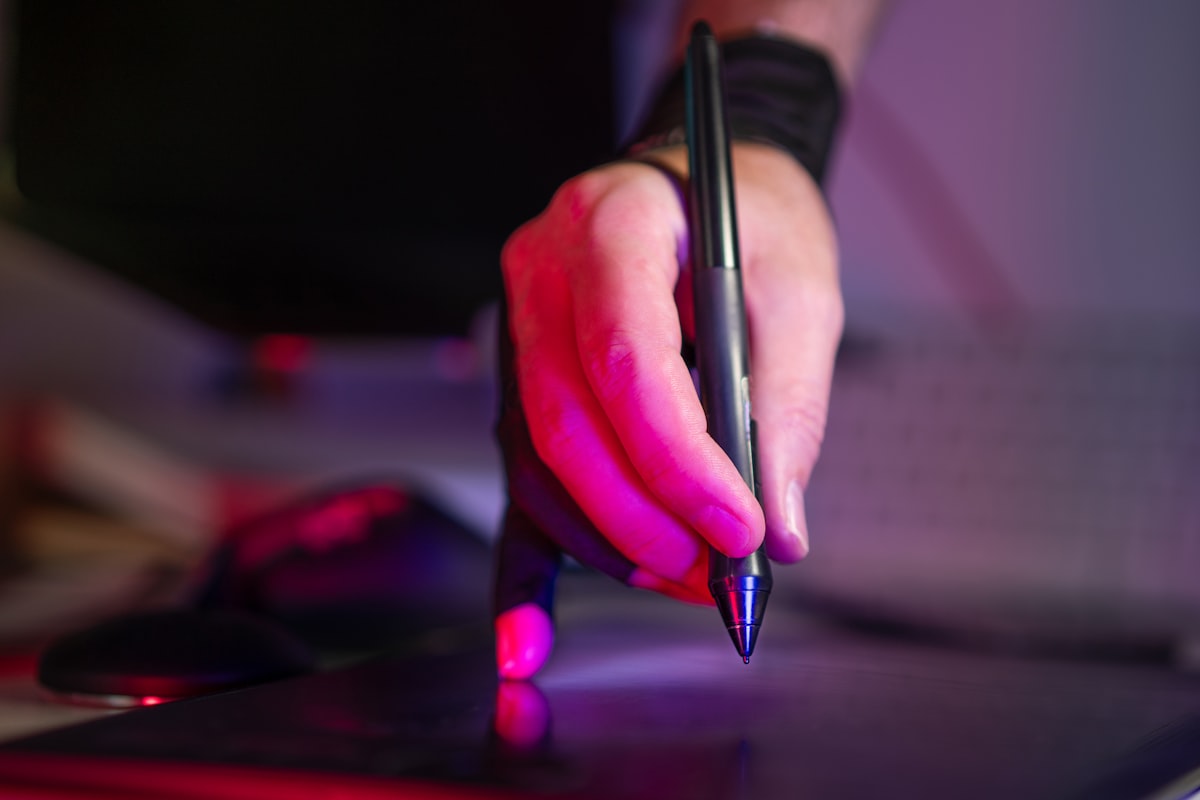
The included pen elevates the tablet half from novelty to instrument: low-latency inking with tilt and pressure support that handles margin notes, form markup, diagrams, and casual sketching without friction. Serious digital artists will still gravitate to dedicated tablets, but for the professional whose inking is annotation rather than illustration, the Spectre’s pen experience is complete. It magnetizes to the chassis for transport — a small design courtesy that prevents the classic lost-stylus tax.
Display: The OLED Argument
The panel choice defines the machine. The OLED configuration — 2.8K, touch, pen-ready, HDR-capable — is one of the best screens sold on any laptop: perfect blacks, cinematic color, and brightness that holds its own everywhere short of direct sun. For the media, reading, and annotation duties the convertible format invites, it is the format’s perfect partner. The IPS base configurations are competent and cheaper but surrender the machine’s best argument; most Spectre buyers should consider the OLED the real product.
Two honest OLED footnotes: white-background office work draws more power on OLED than IPS, trimming an hour from mixed-use battery, and the glossy touch glass picks up glare that the brightness mostly but not entirely overcomes at the window seats our café guide maps. Neither footnote survives first contact with the screen itself — buyers who see it stop reading spec sheets.
Performance for Real Workloads
Current Spectre x360 configurations run Intel Core Ultra silicon with 16-32GB of RAM and fast NVMe storage — comfortably ahead of its buyers’ actual workloads. Office suites, heavy browser fleets, video calls, photo editing, and light video work all run without complaint, and the integrated Arc graphics handle creative-lite duties and casual gaming credibly. The thermal design favors composure: under sustained load it throttles gently and stays civil rather than chasing benchmark numbers with fan roar.
That tuning is the right call for the machine’s life — presentations, flights, meetings — and the wrong one for renderers and compilers, who were never this machine’s buyers. The performance story mirrors the whole product: everything the premium professional day demands, delivered quietly, with the edges deliberately rounded. Our buying guide maps where sustained-load buyers should look instead.
Battery and Connectivity
Expect eight to ten real hours from the OLED Spectre in mixed work — a solid workday with lunch-hour margin, though a tier behind the efficiency monsters from Apple and Qualcomm. The IPS configuration adds roughly an hour. USB-C Power Delivery charging means light bricks and universal fuel, and rapid charge restores half the tank in about 45 minutes. Standby behavior is well-mannered; the machine loses single digits overnight with lid closed.
Connectivity is thoughtfully complete: two Thunderbolt-capable USB-C ports (one on the signature angled corner, where the charging cable exits at a sane angle), a USB-A that saves a dongle, and a headphone jack. Wi-Fi 7 and current Bluetooth round it out. The corner port placement sounds like styling and turns out to be ergonomics — cables stop fighting the mouse hand, one of several small Spectre decisions that read as jewelry and function as engineering.
Configurations and Where to Buy
Configuration advice compresses to one sentence: take the OLED, take 16GB minimum (32GB for photo-heavy work), take 1TB if the budget reaches it, and let CPU tier follow the sale. Current models and build options live at HP’s official Spectre page, and HP’s own frequent promotions plus retailer discounts mean the list price is a starting bid — patience routinely recovers $200-300. The used market prices Spectres gently (convertible anxiety suppresses demand), which makes clean two-year-old OLED units one of the premium tier’s quiet used bargains for buyers who verify hinge feel and battery health in person.
Long-Term Ownership
The Spectre ages the way its build promises: the aluminum wears finely, the hinge holds, and HP’s premium-line support is responsive if unexceptional. The battery follows ordinary lithium arithmetic — plan on 80% health near year three of daily cycling, mitigated by HP’s charge-limit tooling for desk-heavy owners. Storage is user-replaceable behind standard screws; RAM is soldered, which makes the 16GB-minimum advice a longevity decision rather than a performance one.
OLED longevity, the standing question, has resolved reassuringly: modern panel management (pixel shifting, taskbar dimming) has kept burn-in rare in real fleets, with the practical advice reduced to not parking a static bright screen for hours at maximum brightness. Resale lands mid-pack — better than mainstream HP, behind Apple and ThinkPad — improved meaningfully by keeping the pen, charger, and box that Spectre buyers, unusually, tend to keep anyway.
HP Spectre x360 vs the Alternatives
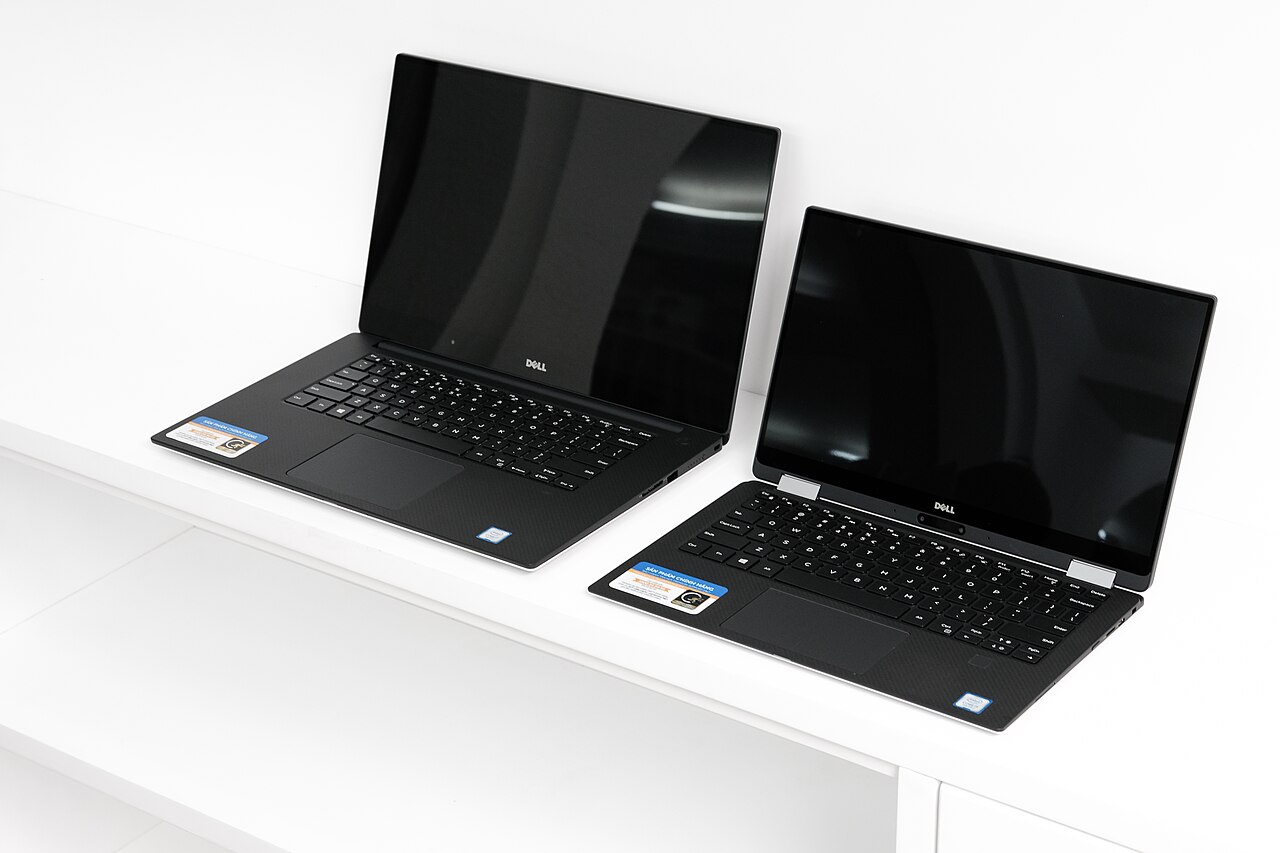
Against the Dell XPS 13/14: the closest philosophical rival — our XPS review covers it in full — trades the Spectre’s modes and ports for a smaller, lighter, more minimal machine. Annotators go Spectre; minimalists go Dell. Against the MacBook Air and Pro: Apple wins battery, silence, and resale; the Spectre answers with touch, pen, OLED-at-price, and Windows. Ecosystem gravity usually decides before the spec sheets open.
Against Lenovo’s Yoga 9i: the other serious premium convertible, with a rotating soundbar hinge and typically softer pricing; the Spectre counters with sharper industrial design and a better keyboard. This is the genuinely close comparison, and sale prices deservedly swing it. Against the Surface Laptop family: Microsoft’s clamshells (reviewed here) offer the cleaner Windows package and longer ARM battery but no 360 hinge — buyers who shortlist both usually discover which feature they were actually shopping for.
Who the Spectre x360 Is Actually For
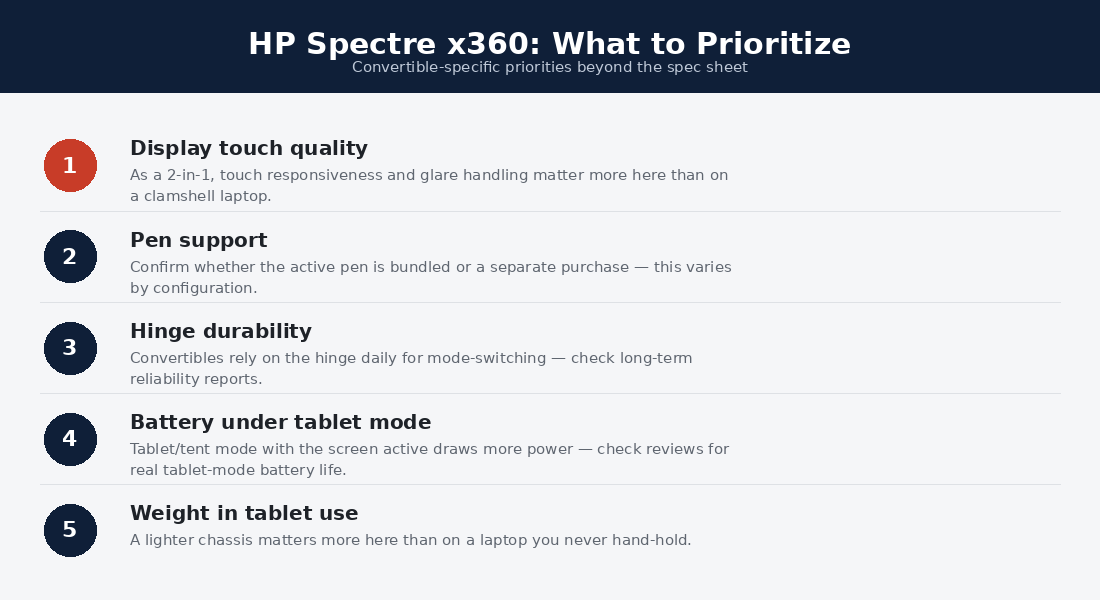
The annotating professional — lawyers marking contracts, editors marking drafts, consultants marking decks — is the bullseye buyer: the pen workflow replaces printing, and the laptop half carries the rest of the job without compromise. The lecture-hall student with an investment budget inks notes over slides in tablet mode and writes essays on a premium keyboard — the format’s original promise, finally delivered well. The frequent presenter gets tent mode’s shared-screen trick and a machine that looks the part across a client table.
The wrong buyers: battery maximalists, who should take the efficiency silicon in our endurance rankings; featherweight hunters, for whom the hinge hardware is dead ounces; and anyone whose honest tablet-mode forecast is never, since a clamshell spends the same money on specs they’ll actually touch. The HP Spectre x360 rewards self-knowledge more than most machines — the premium is only a premium if the hinge stays folded.
The Convertible Category, Grown Up
The 2-in-1 spent its first decade as a punchline — mushy keyboards, bulky hinges, tablet modes nobody used twice — and the Spectre line is a large reason the joke retired. Each generation shaved the convertible tax: hinges firmed, decks stiffened, weight crept toward clamshell parity, and OLED arrived at prices Windows clamshells struggled to match. The current machine’s achievement is negative space — the absence of any moment where the flexibility costs the laptop experience something a buyer would notice unprompted.
What remains of the tax is honest and visible: roughly half a pound against the lightest clamshells and an hour of battery against the efficiency leaders. What it buys is a machine that collapses categories — laptop, tablet, sketchpad, presentation easel — into one bag slot for professionals whose weeks genuinely span those modes. The HP Spectre x360 is no longer the compromise category’s best effort; it is a premium laptop that folds, and the distinction is the whole review.
HP Spectre x360 FAQs
Is the HP Spectre x360 worth it over a regular laptop?
If any convertible mode — pen annotation, tent presentations, tablet reading — appears even weekly in your real life, yes: the laptop half concedes nothing, so the modes ride nearly free apart from ounces. If your honest answer is never, a premium clamshell buys more battery per dollar.
How long does an HP Spectre x360 last?
Five years of premium service is a fair expectation: the chassis and hinge outlast the battery, which is the one component to budget a mid-life refresh for. The soldered RAM makes the 16GB floor at purchase the real longevity decision.
Is the Spectre x360 good for students?
Excellent for note-takers who ink lectures and read papers in tablet mode — the exact student the format was built for — though the price positions it as an investment purchase. Budget-first students get more raw utility from the mid-tier machines in our under-$1,000 guide.
Does the OLED screen burn in?
Modern mitigation has made it a rarity in practice: pixel shifting and interface dimming handle the risk invisibly. Avoid parking static content at maximum brightness for hours daily and the panel will outlive the battery comfortably.
Is the HP Spectre x360 good for drawing?
For annotation, diagrams, and hobby sketching, very good — low-latency pen, tilt support, and a screen that flatters the work. Professional illustrators will still want a dedicated pen display’s texture and ergonomics; the Spectre is the generalist that inks, not the artist’s primary tool.
The Spectre on the Move
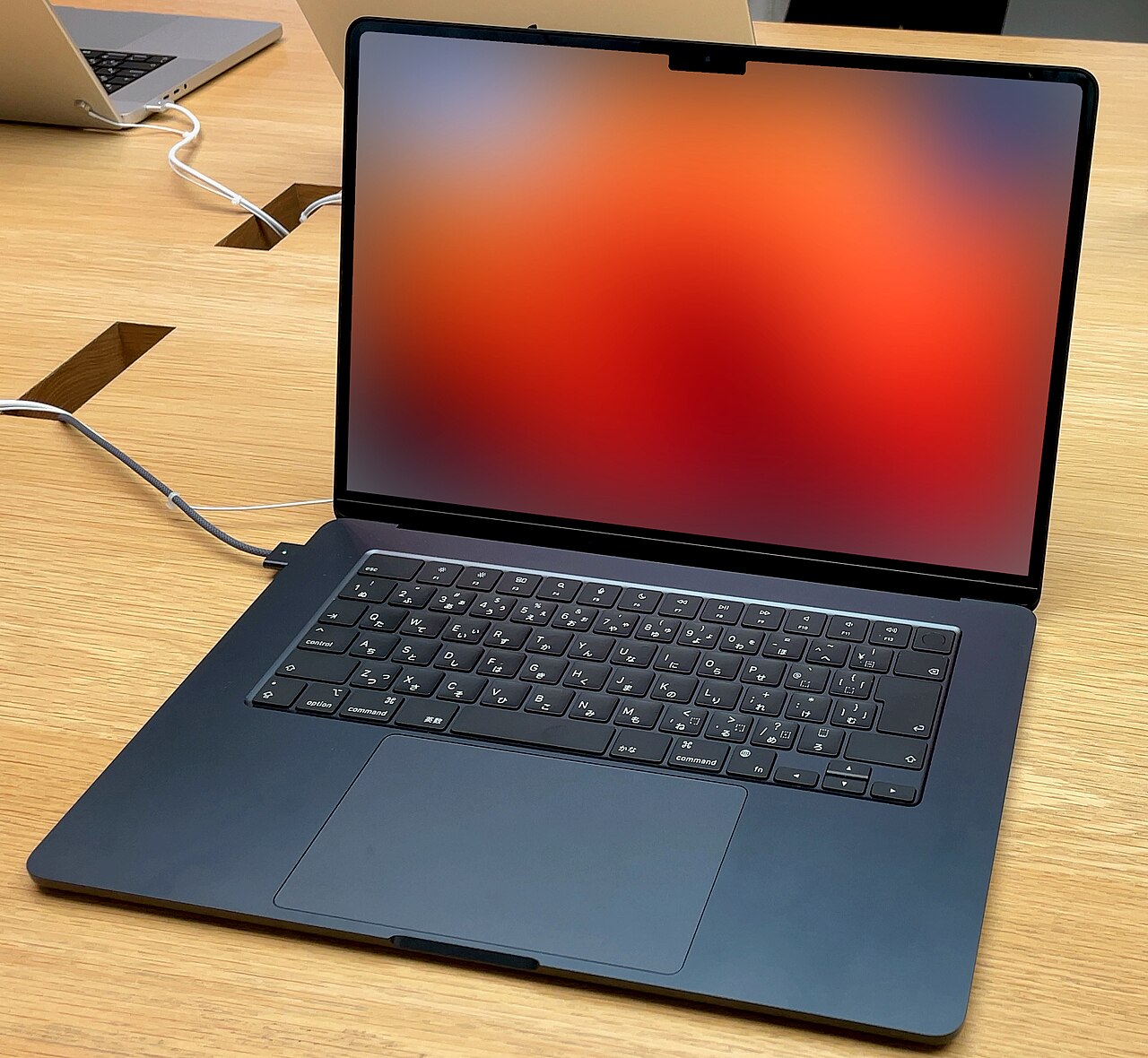
As a travel machine the HP Spectre x360 splits its report card. The wins: tent mode turns airline tray tables and hotel desks into movie theaters, tablet mode makes standing-room reading real, the corner-exit charging cable behaves in cramped seats, and the build shrugs off bag life the way its price promises. Rapid charging converts any lounge stop into hours of runway. The losses: the half-pound premium rides along on every trip whether the hinge folds or not, and the eight-to-ten-hour OLED battery demands one opportunistic top-up on truly long days where the efficiency champions demand none.
For the commuter calculus in our commuting guide, that puts the Spectre a rung below the dedicated road machines and comfortably above the desk-bound: the right buyer travels enough to use the modes and not so relentlessly that ounces and battery hours become the whole decision. Frequent flyers who annotate — the consultant with markup due before landing — may find it the best travel laptop they’ve owned; pure mileage collectors should keep reading the endurance rankings.
Which HP Spectre x360 size should I buy?
The 14-inch is the line’s center of gravity and the right default — the 16-inch variant adds screen and weight in equal measure, pushing tablet mode from occasional to theoretical. Buyers wanting the bigger canvas should confirm they are buying a premium laptop that happens to fold rather than a convertible, and price the clamshell competition accordingly before deciding the hinge is worth carrying at that scale.
How This Review Was Put Together
UrbanLaptop does not operate a hardware lab, and this review claims no instrumented testing. It synthesizes HP’s official specifications, lab measurements from independent outlets that do test (display metrics, battery rundowns, thermal profiles), long-term owner reports across professional and student communities, and hands-on retail time with the current Spectre generation. Photography is credited to licensed sources rather than presented as our own bench. Where evidence genuinely splits — OLED battery cost, tablet-mode frequency in real use — we report the split and recommend an in-person trial. The honesty is the method.
Verdict: The Convertible Without the Asterisk
The HP Spectre x360 earns its place by winning the argument convertibles used to lose: the laptop experience concedes nothing — keyboard, screen, build, all premium-tier — so the hinge and pen arrive as pure addition, priced in ounces and a battery hour. Buy it if annotation, presentation modes, or tablet reading live anywhere in your real week; buy the clamshell elite if they don’t. Either way, buy the OLED — it is the configuration where this machine stops being a clever category answer and becomes simply one of the best premium laptops sold.
