
Updated July 2026. As an Amazon Associate and affiliate partner, UrbanLaptop may earn a commission from qualifying purchases made through links on this page, at no extra cost to you. See our affiliate disclosure.
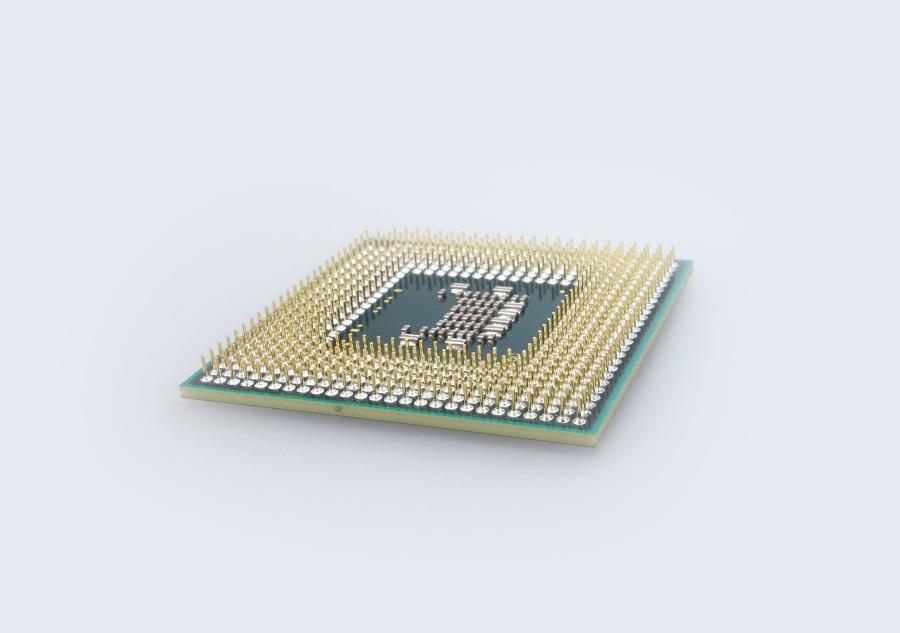
This laptop CPU guide exists because processor marketing got harder to read just as it mattered less to most buyers. Intel Core Ultra, AMD Ryzen AI, Apple M-series, Snapdragon X — four naming systems, dozens of tiers, and a truth the boxes won’t print: for most workloads, most modern laptop processors are more than enough, and the differences that matter live in efficiency, thermals, and platform rather than gigahertz. This laptop CPU guide decodes the names, ranks what actually matters, and tells you when to stop reading spec sheets.
Laptop CPU Guide: The Short Answers
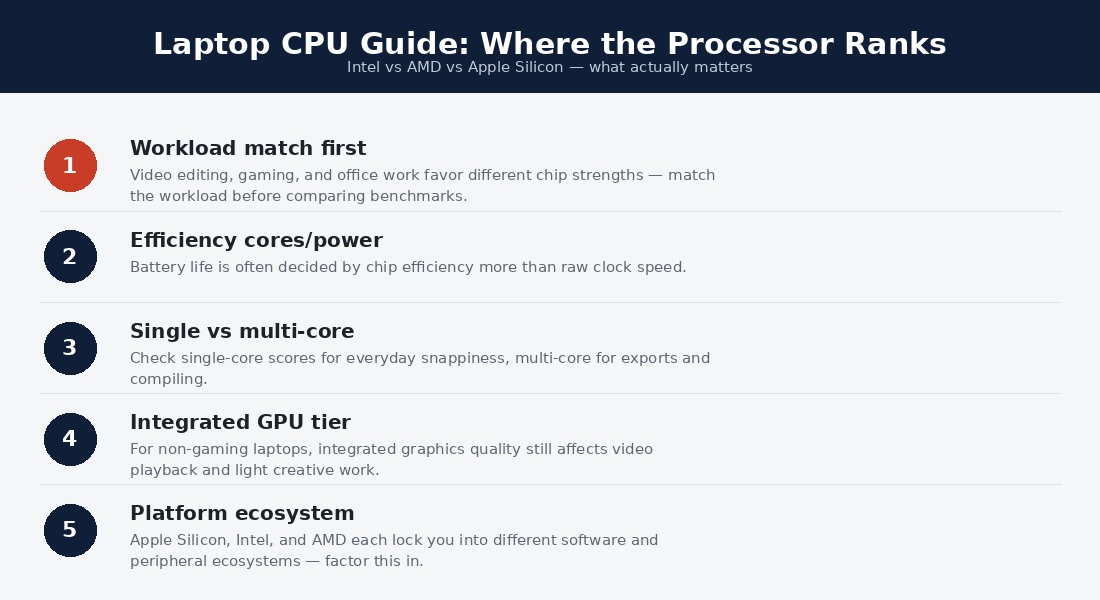
For most buyers: any current-generation mid-tier chip — Intel Core Ultra 5/7, Ryzen 5/7, Apple’s base M-chips, Snapdragon X — over-serves documents, browsers, calls, and coursework; buy the machine around it. For battery-first buyers: efficiency architectures win — Apple silicon and Snapdragon X first, AMD’s efficiency-tuned parts close behind. For sustained heavy work — rendering, big compiles, engineering tools — cores and cooling both matter, and the chassis decides as much as the chip. For gaming: the GPU decides; read our gaming guide and treat the CPU as a supporting actor.
Decoding the Names: Intel, AMD, Apple, Qualcomm
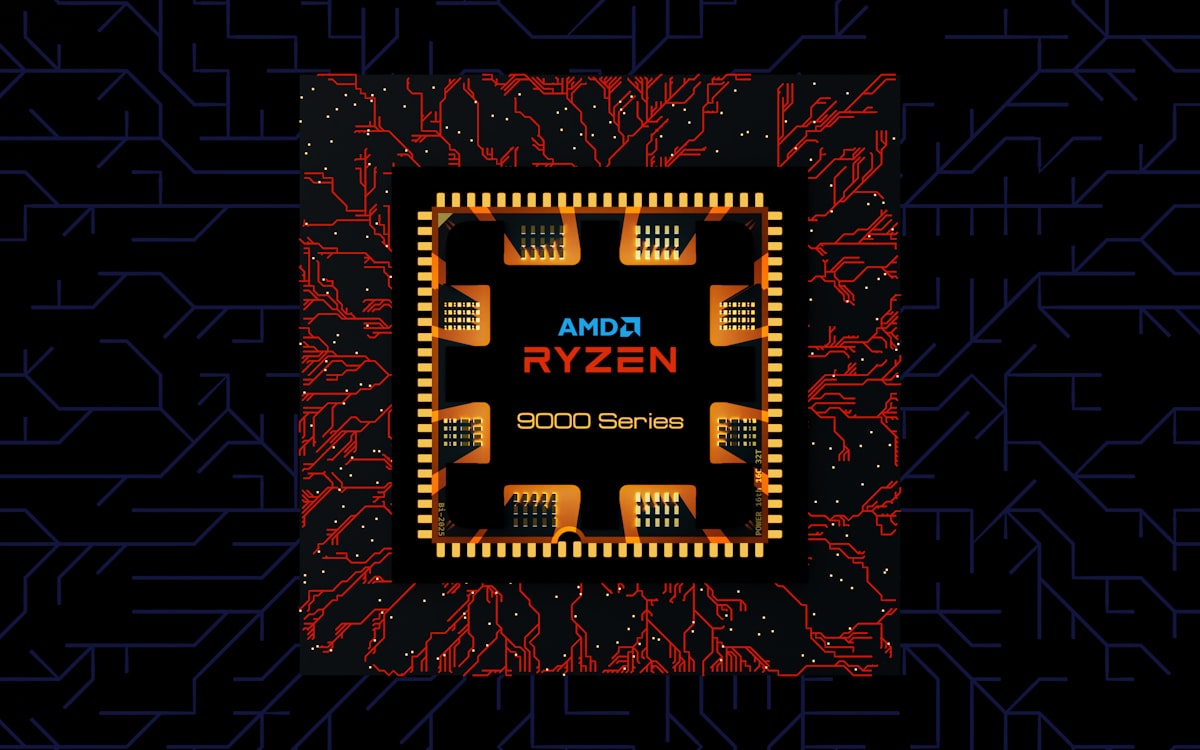
Intel Core Ultra tiers as 5, 7, and 9 — ascending performance — with generation indicated in the model number’s leading digits; the tier matters more than the suffix soup, and the U/H/HX letters signal power class (U for thin-and-light efficiency, H for performance laptops, HX for desktop-class heat). AMD Ryzen mirrors the structure: Ryzen 5/7/9 tiers, with HS and U suffixes marking the efficiency-to-performance spectrum and AMD’s integrated graphics historically leading Intel’s at each tier — a real advantage in budget machines without discrete GPUs.
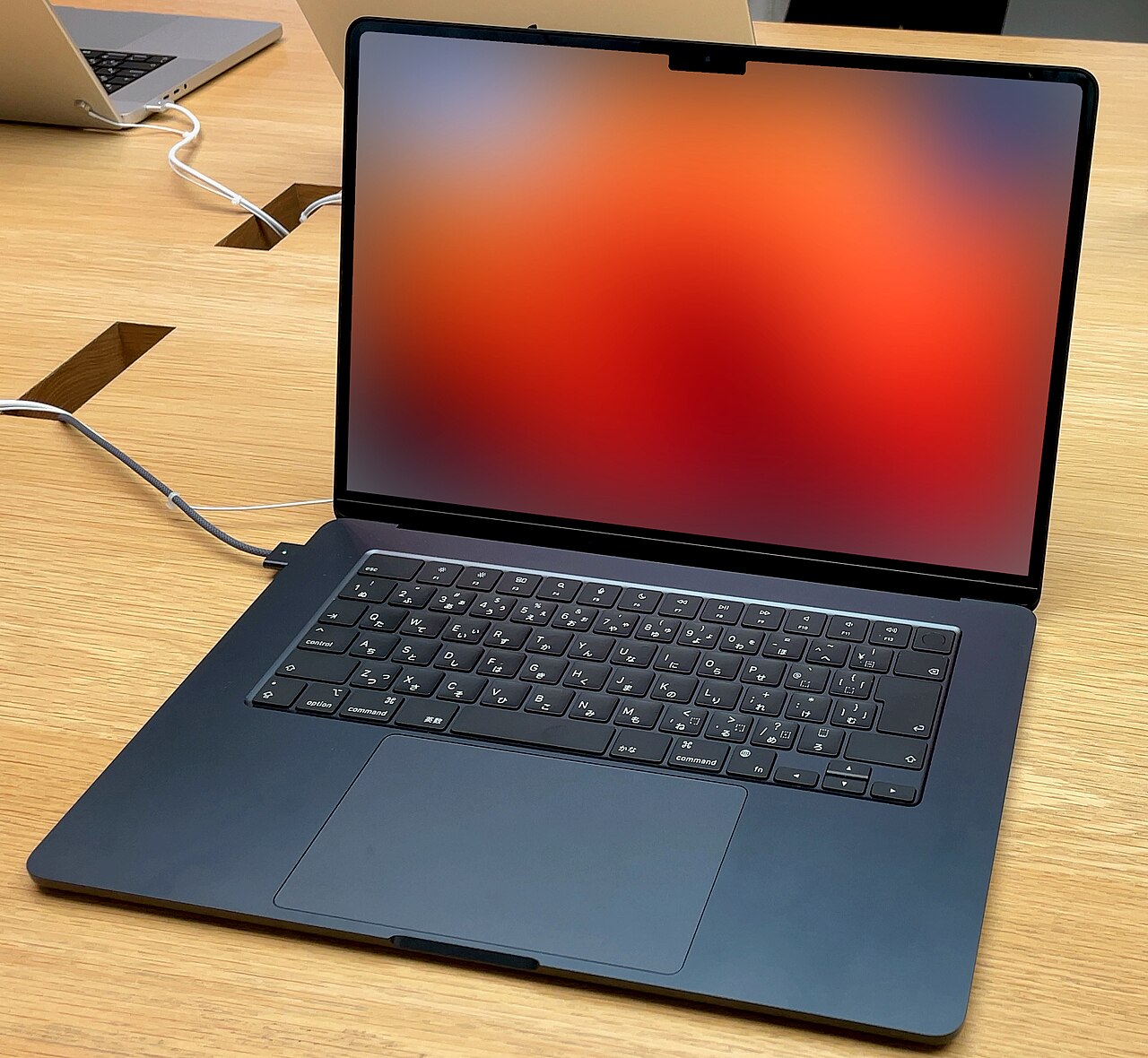
Apple M-series refuses tiers within a chip: each generation ships a base M-chip (astonishing efficiency, ample speed) and Pro/Max variants that add cores and memory bandwidth for sustained creative work — the honest split our Air-vs-Pro comparison maps. Snapdragon X brought phone-lineage efficiency to Windows: Elite and Plus tiers, class-leading standby, and the ARM compatibility homework covered in our Surface review. Four dialects, one grammar: tier within generation, power class within tier, and generation freshness beating tier jumps at equal prices.
What Actually Determines Real-World Speed
Here is the section most laptop CPU guide articles bury. Thermal budget beats silicon: the same processor delivers wildly different sustained performance in a thin fanless chassis versus a thick cooled one — differences of 30% and more, per the sustained-load curves at Notebookcheck — which is why this site’s reviews obsess over cooling and why identical chips shouldn’t imply identical machines. Burst versus sustained is the real divide: office work lives in bursts where every modern chip feels identical; rendering, compiling, and export queues live in sustained load where cooling, core counts, and power class collect their premiums.
Single-core speed still rules interactivity — the snap of app launches, spreadsheet recalculation, and simulation-heavy games — and current chips across all four makers cluster tightly here. Efficiency is the spec that changed everything: performance-per-watt now decides battery life, fan noise, and chassis weight simultaneously, which is why the efficiency-first architectures swept our endurance rankings and why this laptop CPU guide keeps repeating that the chip’s character matters more than its benchmark bar.
A Short History of Why the Advice Changed
A decade ago every laptop CPU guide rightly ranked the processor first: chips were the bottleneck, generational leaps were large, and buying under-powered meant living under-powered. Three shifts retired that world. Silicon outran software — mainstream workloads stopped growing while chips kept doubling, leaving most buyers with years of unused headroom. The efficiency revolution — Apple’s M-series proving performance and battery were no longer a trade, with Qualcomm and the x86 makers responding — moved the frontier from speed to endurance. And thermals became the differentiator: once every chip was fast, the chassis that could sustain the speed became the real product.
The practical inheritance for buyers: the questions that used to be CPU questions migrated elsewhere. “Will it feel fast in three years?” became a RAM question. “Will it last the day?” became an architecture question. “Will it handle my exports?” became a cooling question. This laptop CPU guide keeps redirecting readers to those pages — our RAM guide, the endurance rankings, the chassis-obsessed reviews — because that is where the old CPU anxiety actually lives now.
Reading Benchmarks Without Being Misled
Three rules turn benchmark charts from noise into signal. First, match the test to your life: single-core scores predict daily snappiness, multi-core scores predict render queues, and the wrong one is marketing. Second, demand sustained numbers — the 20-30-minute loop tests — because launch reviews’ ten-minute sprints flatter thin machines that fade by lunch; the chassis-specific data at Notebookcheck is this laptop CPU guide’s standing referee. Third, translate percentages into seconds: a 15% multi-core gap is invisible in email and worth real money only if your week contains hour-long renders — the arithmetic that separates spending from performance theater.
And one meta-rule: benchmark the machine, never the chip. The same processor spans a 30% real-world range across chassis designs, which makes model-level reviews the only trustworthy unit of comparison — the reason this site reviews laptops rather than silicon, and the reason every laptop CPU guide worth reading ends by pointing at cooling.
Matching Chips to Lives
The student and office buyer: mid-tier anything current — the money saved over the top tier buys the RAM and screen upgrades that age better, per our college guide. The road warrior: efficiency classes (U-series, base M-chips, Snapdragon) for the battery and silence the commute actually tests. The developer: cores and RAM ceilings — H-class or Pro-tier chips for compile-heavy work, with our programming guide covering the Linux angle.
The creative professional: sustained-load champions (M-Pro/Max, H/HX classes) inside chassis built to cool them. The trader: stability and multi-monitor bandwidth over raw speed — the full breakdown lives in our trading laptop guide, and the short version is that any current mid-tier chip runs trading platforms with room to spare.
Integrated Graphics: The Quiet Half of the Chip
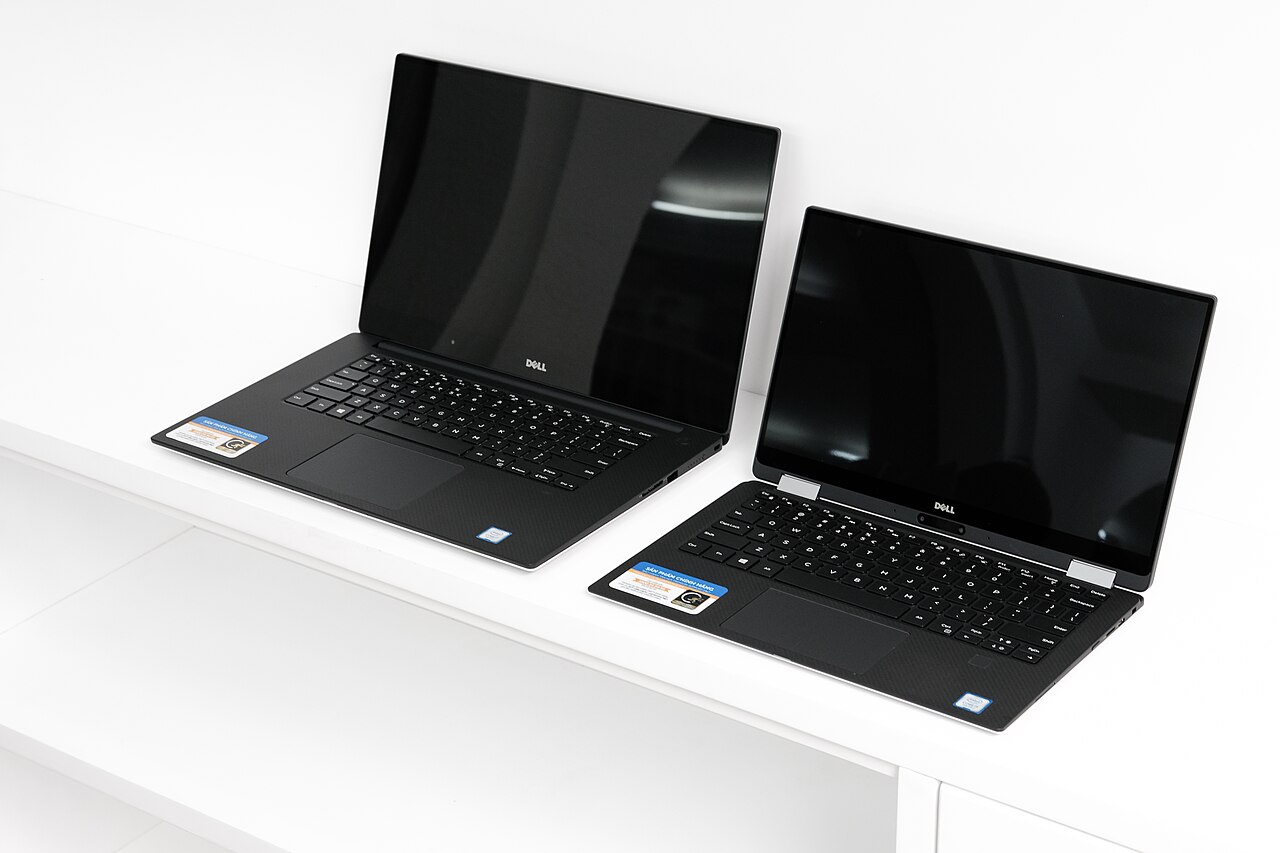
Every chip in this laptop CPU guide ships with integrated graphics, and for the majority of laptops sold — everything without a discrete GPU — that iGPU is the graphics story entirely. The current state: AMD’s integrated tiers lead x86 for light gaming and creative acceleration, Intel’s Arc-based iGPUs closed most of the historic gap, and Apple’s unified-memory graphics punch far above their category in optimized apps. Practical translations: esports titles and older games run credibly on current mid-tier iGPUs at moderate settings; photo editing accelerates nicely everywhere; and 4K video playback and multi-monitor desk duty — the workloads that used to stress laptops — are now solved problems on every chip this guide covers.
The buying rule: if your gaming ambitions are casual, let the iGPU tier be a tiebreaker between otherwise-equal machines (AMD’s advantage is real money saved on a discrete GPU you don’t need); if they’re serious, no iGPU replaces the dedicated hardware our gaming guide ranks, and stretching the CPU budget toward graphics is the classic misallocation. The iGPU is the chip’s quiet half — good enough to ignore for most, and worth one deliberate look for the light-gaming minority.
Power Settings: Free Performance Nobody Uses
The chip you bought has modes, and most owners never touch them. Windows and macOS both ship power profiles that trade sustained speed against fan noise and battery — and the defaults are conservative. The five-minute audit this laptop CPU guide prescribes: on performance days (plugged in, rendering, compiling), switch to the performance profile and let the fans earn their keep; on battery days, the efficiency profile buys an extra hour that no hardware upgrade matches per dollar; and on call days, the balanced profile keeps fans polite.
Laptop makers layer their own tuning apps on top — Lenovo Vantage, Dell Power Manager, ASUS Armoury — and the sustained-load gains from a correct profile routinely exceed the gap between adjacent chip tiers. It is the rare spec upgrade that ships free with the machine.
The CPU Traps This Laptop CPU Guide Exists to Prevent
Paying tier premiums inside thin chassis: a Core Ultra 9 in an ultrabook throttles to Ultra 7 speeds — the chassis caps what the chip can spend. Comparing across generations by tier name: a current mid-tier routinely beats last generation’s top tier; freshness first. Ignoring the power class letters: a U-series and H-series chip sharing a tier number are different products with different jobs. Buying NPU marketing: on-device AI acceleration is real but young — useful features today, not yet worth paying tiers for. Forgetting the platform tax: the chip choice silently chooses battery behavior, ARM compatibility questions, and upgrade paths — the laptop CPU guide decision is a platform decision wearing a speed costume.
The NPU Chapter: AI Acceleration, Honestly
Every current chip family now ships a neural processing unit, and no honest laptop CPU guide can skip the question of what it’s worth. Today’s real answer: the NPU quietly improves features you already use — call background blur and noise removal without fan spin, live transcription and translation, photo search and cleanup, on-device writing tools — while consuming a fraction of the power the CPU would spend on the same work. What it doesn’t yet do is justify paying tier premiums: the software that would stress bigger NPUs is arriving slower than the silicon did, and the features that exist run adequately on every current NPU tier.
The forward-looking read: NPU capability is a freshness argument, not a tier argument — one more reason this guide’s buy-the-newest-generation advice compounds, since each generation’s NPU meaningfully outgrows the last while tier gaps within a generation stay cosmetic. Buyers keeping machines five-plus years get the most option value from current NPUs; buyers on shorter cycles can ignore the acronym entirely and lose nothing this year. Check the feature lists, not the TOPS numbers — the marketing unit of the NPU era is as skippable as gigahertz became.
Does this laptop CPU guide’s advice change for Linux users?
Mostly by platform rather than performance: x86 chips keep the smoothest Linux story (the reason our Linux guide leans ThinkPad and Framework), AMD’s recent generations enjoy particularly clean kernel support, ARM remains the adventurous path, and NPU acceleration under Linux trails the commercial platforms. The efficiency and thermal principles transfer unchanged — Linux just adds a compatibility column to the same decision table.
Laptop CPU Guide FAQs
Is Intel or AMD better for laptops right now?
Trading blows tier-by-tier: AMD leads integrated graphics and efficiency value; Intel counters with platform breadth and strong current-generation efficiency cores. The honest answer is that the specific machine — cooling, battery, screen — outweighs the badge at every mainstream price.
How many cores does a laptop actually need?
Office and student life: whatever the mid tiers ship — plenty. Sustained creative and compile work: the more the better within your cooling budget, with 10-plus performance cores the professional floor. Core counts past your workload’s parallelism buy heat, not speed.
Do Apple and Snapdragon chips really beat x86 on battery?
On standby and light-use efficiency, decisively — it is architecture, not magic. On sustained plugged-in performance, the gap narrows to workload specifics. Buyers whose complaint is battery life have their answer; buyers whose complaint is render time should compare per-task.
Should I wait for the next CPU generation?
Almost never: annual gains are real but modest, something newer is always near, and the discounted outgoing generation usually beats the incoming one on value. Buy when the need is real and the price is seasonal-low.
What CPU do I need for trading platforms?
Less than the marketing implies: ThinkOrSwim, TradingView, and MT5 run comfortably on current mid-tier chips — the real trading specs are RAM, stable connectivity, and monitor bandwidth, as our trading hub details. Spend the CPU savings on a second screen.
How does this laptop CPU guide apply to used and refurbished machines?
Shift the freshness rule one notch: in the refurb market, two-generation-old mid-tier chips are the value kings — new enough for years of software support, old enough for fleet-depreciation prices, and the exact silicon inside the ThinkPad and Latitude picks our budget guide ranks. The chips to skip used are the ancient efficiency classes (pre-efficiency-era U chips age worst) and anything old enough to fall off OS support windows. The laptop CPU guide arithmetic actually improves used: sustained-performance differences shrink at office workloads while the price gaps stay enormous.
Do CPU choices affect noise and heat in daily use?
Directly — the chip’s power class is the loudest spec you’ll never hear quoted. Efficiency-class chips in well-designed chassis run silent through office days; performance-class chips in thin chassis produce exactly the fan whine and warm palm rests that fill owner reviews. Buyers sensitive to noise should treat the power class letter as a comfort spec and shop the U-series, base M-chips, and Snapdragon tiers — the quiet corner of every generation, and the corner most of this site’s daily-driver picks live in.
What should a laptop CPU guide say about overclocking and undervolting?
That the era mostly ended: modern laptop chips self-manage their boost behavior more aggressively than manual tuning ever did, locked-down firmware closed the undervolting door on most consumer machines, and the free performance now lives in the power profiles and cooling maintenance this guide already covered. The enthusiast exceptions — gaming flagships with unlocked HX chips and maker-sanctioned tuning apps — remain real but niche; for everyone else, the honest tuning stack is a correct power profile, clean vents, and a stand that lets the machine breathe, which together recover more sustained performance than any voltage slider ever surrendered safely.
How often should this laptop CPU guide’s picks be revisited?
Annually is plenty: naming schemes shift slower than the marketing implies, the tier logic has held for years, and the efficiency-first conclusion strengthens each generation rather than reversing. The genuine watch items are platform-level — ARM Windows maturity, NPU software catching its hardware, and whichever maker’s next efficiency leap resets the endurance rankings — all of which move on annual rhythms. Bookmark the principle rather than the chip names: enough silicon, fresh generation, right power class, cooled chassis. That sentence survives every rebrand the industry ships.
Verdict: The Ultimate CPU Advice Is Usually “Enough”
The conclusion this laptop CPU guide keeps circling: buy the newest generation you can, at the mid tier unless a named sustained workload argues up, in the efficiency class your bag life demands, inside a chassis whose cooling reviews well — then close the benchmark tabs. The processor stopped being the scarce resource in laptops years ago; battery, screen, RAM, and build took its place, and the buyers who internalize that reallocation get visibly better machines at every price. The chip should be enough, and then it should be forgotten.
