
Updated July 2026. As an Amazon Associate and affiliate partner, UrbanLaptop may earn a commission from qualifying purchases made through links on this page, at no extra cost to you. See our affiliate disclosure.
Surface Laptop vs MacBook Air used to be a lopsided fight — Apple’s efficiency silicon against Intel’s thermals in a thin chassis. The ARM-powered Surface generation changed the terms: now it is two efficiency-first machines with phone-like standby, all-day batteries, and fanless-or-silent manners, split mainly by operating system and the ecosystems around it. This guide settles Surface Laptop vs MacBook Air the way the machines are actually chosen — by the life around the laptop, not the benchmark between them.
Surface Laptop vs MacBook Air: The Short Answer
Buy the MacBook Air if you live in Apple’s ecosystem, want the segment’s most proven machine, or plan to resell in a few years — the Air’s consistency, app maturity, and resale value remain the safer total package. Buy the Surface Laptop if your life runs on Windows, Microsoft 365, and Teams; if you prefer its taller 3:2 touchscreen; or if the frequent Windows-world discounts land it meaningfully cheaper at checkout. The hardware gap has closed to preference width — the software question now does almost all the deciding.
Silicon and Performance: The Gap That Closed
The Surface Laptop vs MacBook Air performance story is now a family argument between efficiency architectures. Apple silicon retains the single-core edge and the deeper software optimization; Snapdragon X answers with competitive multi-core output, and both machines treat office workloads — browsers by the dozen, documents, calls, light creative work — as background noise. Burst speed feels identical in daily use; neither buyer will wait on the other’s machine.
The differences live at the edges. Sustained creative loads favor the Air’s mature thermal tuning and the option to step up Apple’s chip ladder. App compatibility favors the Air outright: macOS runs everything built for it natively, while Windows-on-ARM runs most things natively, emulates the rest well, and still carries a short tail of specialist software and drivers that misbehave — the homework our Surface Laptop review assigns before purchase. Gaming, historically the Windows trump card, is ironically weaker on ARM Windows than on the Mac’s growing native catalog; serious players should read our gaming guide and buy neither.
Display and Design: 3:2 vs the Notch
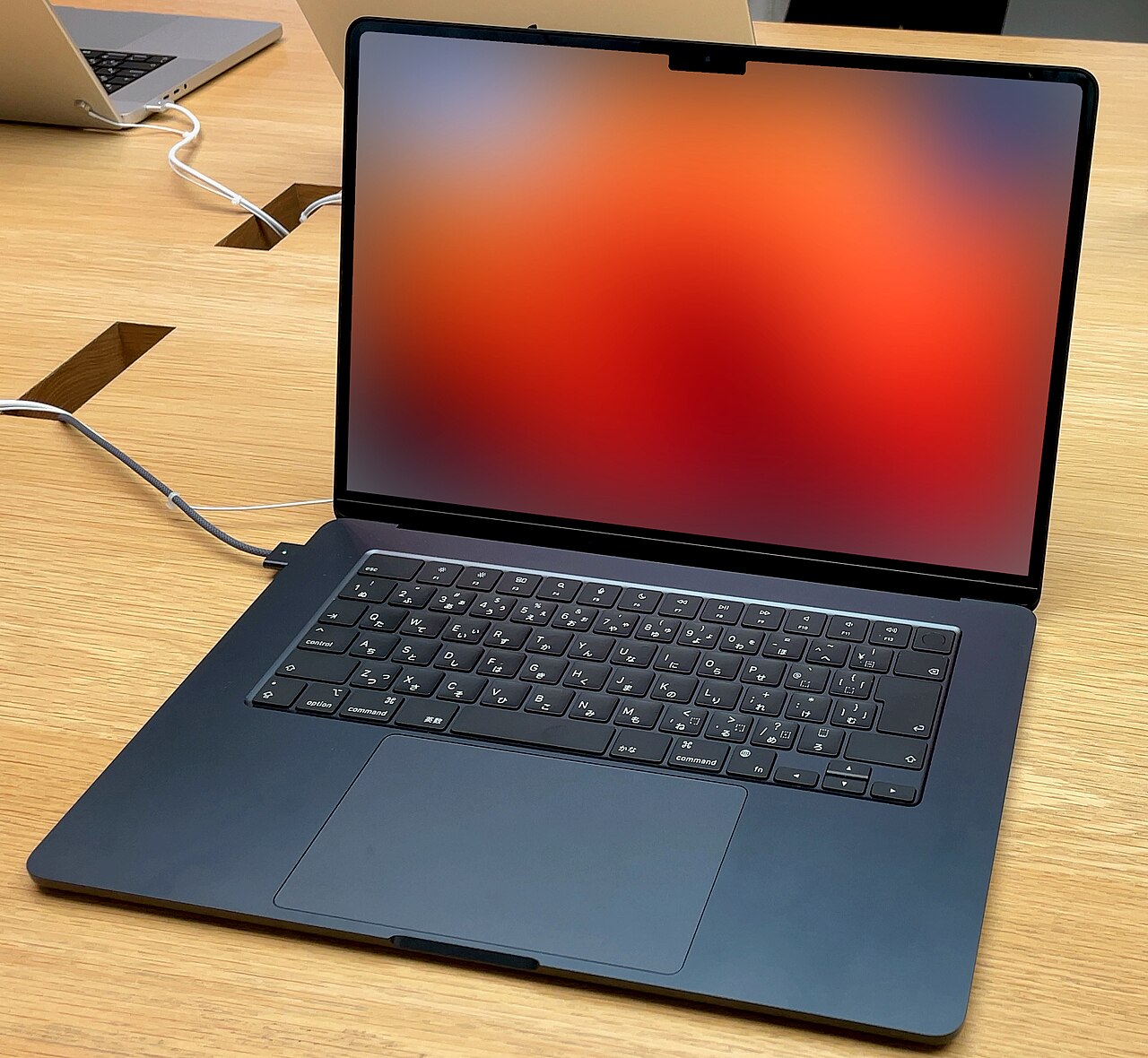
Microsoft’s 3:2 touchscreen is the Surface’s most underrated argument in the Surface Laptop vs MacBook Air matchup: the taller ratio fits visibly more document, spreadsheet, and code on screen, the 120Hz refresh makes scrolling silky, and touch — once dismissed as a gimmick — becomes a habit its owners miss on other machines. The Air answers with higher peak brightness for sunlit rooms and Apple’s impeccable color tuning. Both panels are excellent; the ratio-and-touch versus brightness-and-polish trade is honest preference.
Build quality is a draw at the top of the class — two of the best-made thin laptops sold, with the Air slightly thinner and lighter and the Surface offering the better keyboard by a small, typist-noticeable margin. The Air’s port story (two Thunderbolt plus MagSafe) and the Surface’s (USB-C pair plus a USB-A that saves a dongle) split similarly: minimalism versus pragmatism, chosen by the bag you already carry.
Battery, Standby, and the Week Between Charges
Both machines now deliver the two-day light-use battery and instant wake that define the modern efficiency class — the Surface’s standby drain is genuinely phone-like, and the Air’s mixed-use endurance remains the segment benchmark, with independent rundowns at Notebookcheck scoring them within an hour of each other across workloads. Charging is USB-C universal on both, and neither machine asks its owner to think about power on a normal day — which was the entire promise both companies spent a decade chasing.
Ecosystem: Where Surface Laptop vs MacBook Air Is Actually Decided
Here is the fulcrum. iPhone owners get the Air’s continuity dividends — messages, calls, AirDrop, shared clipboards, the watch unlocking the laptop — and no Surface feature offsets that gravity. Microsoft-first lives get the mirror image: native Teams and 365 excellence, OneDrive as the default fabric, Windows Hello face login, and IT departments that speak the platform fluently. The Surface Laptop vs MacBook Air question inherits its answer from the phone in your pocket and the tools on your calendar more often than from anything either spec sheet says.
The money half tilts by market: the Air holds price and repays it at resale (the used market’s blue chip), while Surface hardware discounts earlier and deeper, making the street-price comparison swing by season. Corporate buyers add Microsoft’s business warranty channels; students should check both education stores and our college guide before paying retail for either.
Surface Laptop vs MacBook Air by Buyer
The Microsoft-shop professional: Surface, without agonizing — the platform fit repays itself daily. The iPhone household: the Air, same logic reversed. The document-heavy analyst or writer: genuinely contested — the Surface’s 3:2 screen and keyboard versus the Air’s battery consistency; try both keyboards and let your hands vote. The traveler and commuter: the Air by a nose on weight and charging ubiquity, per our commuting guide. The buyer with niche Windows software: verify ARM compatibility first or buy neither — an x86 machine from our premium roundup may be the honest answer.
Three Switchers, Reporting Back
The consultant who went Air-to-Surface for a Teams-first client base reports the friction disappeared in a week — Hello face login, native 365, and the 3:2 screen made her spreadsheets feel roomier than the 13-inch Air ever did. Her one lasting complaint is the resale math she left behind. The developer who went Surface-to-Air for Unix tooling got the expected terminal bliss and an unexpected bonus: the sustained-compile thermals he assumed were marketing turned out to be real minutes saved on big builds.
The graduate student who tried both in return windows — the honest hack this comparison endorses — kept the Surface for one reason nobody predicts: the touchscreen-plus-pen combination replaced her tablet for paper markup, collapsing two devices into one backpack slot. Three switchers, three different verdicts, one pattern: every Surface Laptop vs MacBook Air decision that stuck was decided by workflow specifics, and every regret came from buying the abstract “better” machine instead of the concretely fitting one.
Configuration and Checkout Playbook
Both lines reward the same discipline: 16GB memory minimum (both solder it forever), 512GB storage unless external drives are habitual, and the base chip tiers — both machines’ entry silicon already over-serves the workloads that choose this class. On the Surface side, watch Microsoft’s aggressive seasonal cuts and certified-refurb store; on the Air side, Apple Certified Refurbished is the reliable 15% haircut that never requires waiting for a holiday. Trade-in programs on both sides quietly favor the Air owner later — the resale gap is the one line item in the Surface Laptop vs MacBook Air ledger that never closed.
Accessory budgets diverge slightly: the Air wants a USB-A dongle eventually; the Surface wants nothing on day one but tempts its owner with the pen ($100 well spent for annotators, decoration for everyone else). Both machines share chargers with the modern USB-C world, so the household brick collection transfers either way.
The ARM Question, Answered Properly
Both machines in the Surface Laptop vs MacBook Air matchup are ARM computers, and the platform maturity gap between them explains most of the remaining asymmetry. Apple burned its compatibility bridge in one forced march years ago: developers followed, Rosetta caught the stragglers, and today a Mac buyer never thinks about architecture. Microsoft chose coexistence — ARM and x86 Windows live side by side — which preserved choice at the cost of a permanent asterisk: every Surface buyer inherits a small compatibility audit that no Air buyer performs.
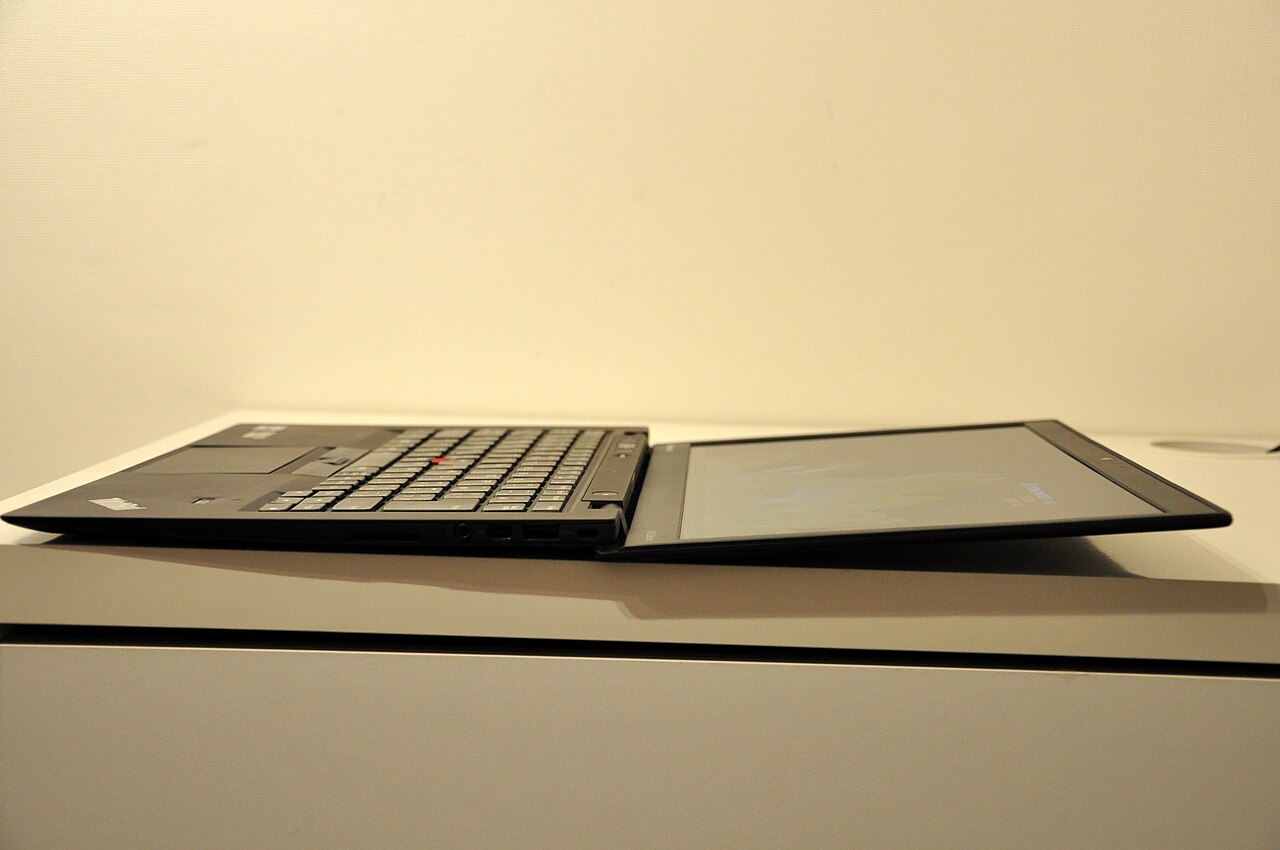
In practice the audit is short and usually passes: browsers, Office, Teams, Slack, Zoom, Adobe’s core apps, and the mainstream development stack all run natively now. The failures cluster in three places — elderly peripherals wanting x86 drivers, niche enterprise and proctoring clients, and specialist audio/engineering plugins. Buyers in those clusters have a third door this comparison should name honestly: the x86 premium Windows tier, led by the ThinkPad X1 Carbon our review covers, which trades some battery magic for zero asterisks. The rest — most buyers — can treat the ARM question as answered and return to the ecosystem tiebreak where Surface Laptop vs MacBook Air actually lives.
Longevity and the Update Horizon
Both machines promise long lives from different guarantors. Apple’s track record — seven-plus years of macOS updates and the industry’s best resale curve — is the known quantity that makes the Air the safer decade bet. Microsoft’s commitment to the ARM platform is newer but structurally serious: Windows-on-ARM is the company’s stated future, the Snapdragon roadmap is funded and public, and the Surface line is its flagship evidence. The risk profile differs more than the likely outcome; both machines should serve five-plus years of the workloads that choose them.
Hardware aging favors slightly different owners: the Air’s fanless simplicity means fewer moving parts to tire, while the Surface’s replaceable SSD (a quiet serviceability win Microsoft deserves credit for) gives its owner one upgrade lever the Air lacks. Batteries on both follow ordinary lithium arithmetic — the 80%-at-three-years rule — and both companies sell official battery service at sane prices. The longevity verdict mirrors the whole comparison: a draw on substance, tilted at the margins by what you already own and how long you keep machines.
Surface Laptop vs MacBook Air FAQs
Is the Surface Laptop as good as the MacBook Air now?
As hardware, effectively yes — the ARM generation matched the Air’s efficiency thesis and beats it on screen ratio and touch. The remaining gaps are software: app-compatibility edge cases on ARM Windows, and the Air’s deeper resale and reliability track record.
Which has better battery life?
Within an hour of each other in mixed use; the Surface wins standby, the Air wins sustained-work endurance. Neither owner charges midday, which is the number that matters.
Can the Surface Laptop run all Windows apps?
Most natively, more under emulation that is now genuinely good, and a short specialist tail — old peripherals, niche audio plugins, some proctoring and VPN clients — imperfectly. Audit your two or three critical tools before buying; everyone else can stop worrying.
Which is better for students?
The phone-and-software test decides here too, with one addition: campus proctoring software still occasionally stumbles on ARM Windows, so the Air is the lower-friction exam-week choice. Both education stores discount meaningfully.
Is the touchscreen worth choosing the Surface for?
Alone, no; combined with the 3:2 ratio and the scroll-tap habits it builds, it is a genuine daily-quality edge the Air simply does not offer. Owners rank it higher after six months than in the showroom — the classic signature of an honest feature.
Webcams, Mics, and the Meeting-Room Reality
For the remote-work buyer, the call stack deserves its own round in the Surface Laptop vs MacBook Air scoring. Microsoft wins it on points: the Surface’s face-tracking 1080p camera, Windows Hello login, and Studio Effects (background blur, eye contact, framing computed on the NPU) make it arguably the best video-call laptop sold, a crown built deliberately for the Teams era. The Air’s camera and mics are very good — Apple’s Center Stage and voice isolation close most of the gap — but the Surface’s meeting-room polish is the rare hardware category where Redmond simply leads.

Speakers run the other way: the Air’s quad array outsings the Surface for music and video by a clear margin, continuing Apple’s category-wide audio advantage. Buyers who present for a living lean Surface; buyers whose laptop doubles as the evening theater lean Air; and both should still pair a headset for anything where the other side’s audio matters professionally. Round to the Surface narrowly — and note it is the one Surface Laptop vs MacBook Air category where the newer platform outran the incumbent rather than merely catching it.
Does the Surface Laptop vs MacBook Air choice change for creative work?
Meaningfully: photo and video toolchains are deeper and faster-optimized on macOS, the Air steps up Apple’s chip ladder when projects grow, and color-critical work trusts Apple’s panel tuning by long habit. Creative-first buyers should treat the Air as the default and the Surface as the exception that needs a specific reason — usually a Windows-only client requirement — which is the inverse of the office-workload verdict above.
How do the keyboards actually compare for heavy typists?
The Surface takes the round by a small, consistent margin: slightly deeper travel, a firmer deck, and key feel that writers describe as closer to desktop mechanics, while the Air’s scissor keyboard is excellent but tuned shallower. Neither approaches the ThinkPad benchmark, and both reward an in-store paragraph test — hands disagree with reviews often enough in this category that ten showroom minutes outweigh any spec comparison written, this one included.
Which holds value better if I upgrade in three years?
The Air, decisively — Apple hardware is the used market’s reserve currency, routinely recovering 40-50% at year three against the Surface’s 25-35%. Factor that into the sticker comparison at purchase: a pricier Air with stronger resale frequently costs less to own than a discounted Surface, which is the quiet arithmetic behind the Air-as-default advice this comparison keeps circling back to.
Is either machine upgradeable later?
Memory is soldered on both — buy the 16GB floor or better on day one, permanently. The Surface answers with one genuine serviceability win: a user-replaceable SSD behind standard fasteners, letting storage grow at component prices while the Air’s is fixed at purchase. Batteries on both are replaceable through official channels at reasonable cost, which matters exactly once, around year four.
What about Linux on either machine?
Neither is the right canvas: Apple silicon Macs run Linux only through the impressive but niche Asahi effort, and ARM Windows machines sit outside most distributions’ first-class support. Buyers whose endgame is Linux should skip the Surface Laptop vs MacBook Air question entirely and read our Linux laptop guide — the x86 ThinkPad and Framework machines there deliver the penguin experience these two efficiency flagships only gesture at.
Do both machines travel internationally without fuss?
Both charge across every voltage on light USB-C bricks and both sleep for days between uses, making either a fine passport companion. The Air adds the global Apple Store service network — the meaningful travel differentiator for long trips — while the Surface counters with its replaceable SSD, which lets security-conscious travelers swap drives before certain border crossings. For the full framework on machines that live in transit, our commuting and nomad guides carry the deeper checklists.
Verdict: The Ultimate Ecosystem Tiebreak
Surface Laptop vs MacBook Air ends where it started, with better hardware on both sides than the argument deserves: the Air remains the safer, better-resold, deeper-optimized default, and the Surface has become the first Windows machine to match its efficiency manners while beating it on screen shape and touch. Let the phone, the software list, and the checkout price make the call — the machines themselves have fought to a draw that either winner honors.
