Updated July 2026. As an Amazon Associate and affiliate partner, UrbanLaptop may earn a commission from qualifying purchases made through links on this page, at no extra cost to you. See our affiliate disclosure.
The best laptop for a kid isn’t the most powerful one — it’s the most affordable, durable, and easiest to manage with parental controls. Here’s what we recommend for different ages and budgets.
Our Top Picks for Kids
| Laptop | Price | Best For | Key Specs |
|---|---|---|---|
| Asus Chromebook CX15 | ~$249-299 | Best budget / younger kids | Intel Celeron N4500, 15.6″ 1080p, 4GB/128GB, simple ChromeOS |
| Lenovo IdeaPad Slim 3 Chromebook | ~$199-249 | Best ultra-budget | MediaTek Kompanio 520, 14″ HD, lightweight, long battery life |
| Lenovo Chromebook Plus 2-in-1 Gen 10 | $439 | Best all-rounder for tweens/teens | 14″ FHD+ touchscreen, tablet mode for reading and drawing, aluminum build |
| Asus Chromebook Plus CX34 | $399.99 | Best for homework-heavy teens | Intel Core i5, 14″ display, ~13-hour battery, fast enough for real multitasking |
Check Asus Chromebook CX15 price on Amazon →
Check Lenovo IdeaPad Slim 3 Chromebook price on Amazon →
Check Lenovo Chromebook Plus 2-in-1 price on Amazon →
Check Asus Chromebook Plus CX34 price on Amazon →
Our Pick
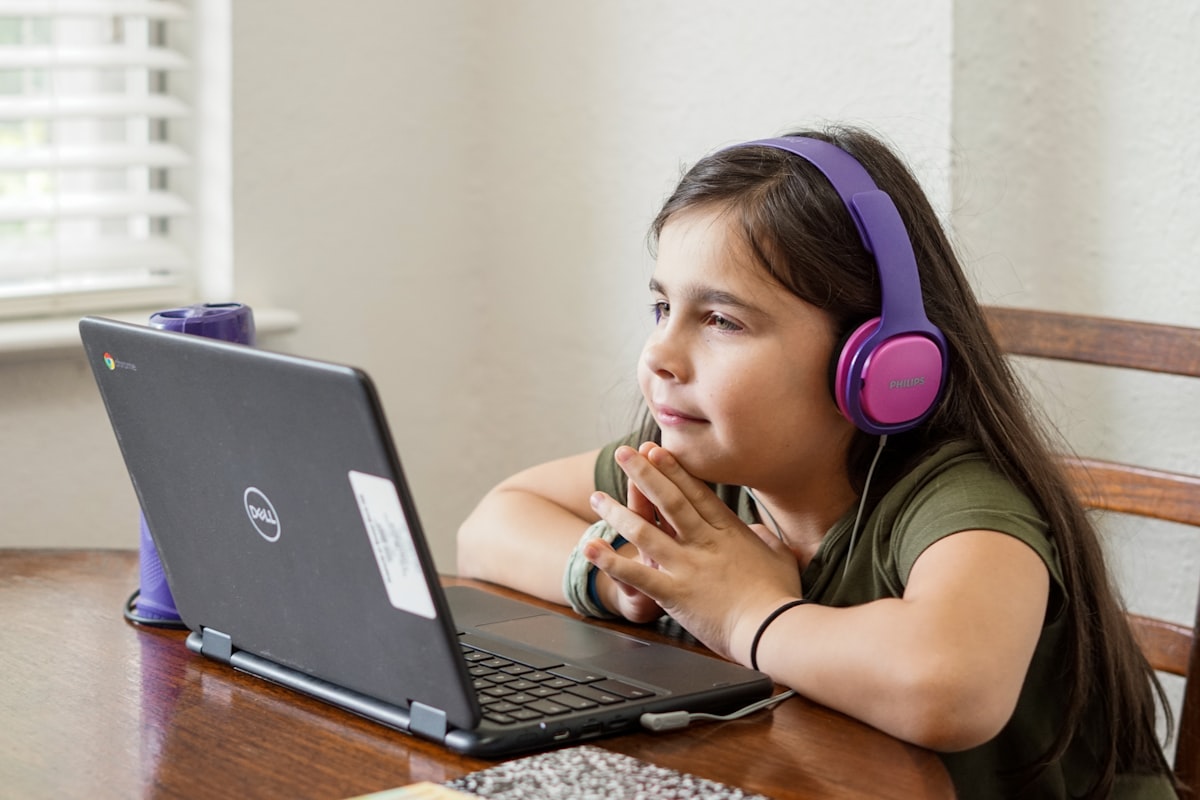
For most families, a Chromebook is the right call — they’re cheap enough to survive a few bumps and spills, and Google’s Family Link app makes it easy to set screen time limits and content filters. The Lenovo IdeaPad Slim 3 Chromebook is the safest first-laptop pick for younger kids, while the Lenovo Chromebook Plus 2-in-1 grows well with tweens who want to sketch, take notes, and eventually do more serious schoolwork.
What to Look For
- Price — kids’ laptops get dropped, spilled on, and outgrown; don’t overspend on a first device
- Parental controls — ChromeOS’s Family Link is one of the easiest systems to manage remotely
- Durability — look for a solid hinge and a chassis rated for everyday knocks
- Battery life — a full school day (7+ hours) without needing a charger in a backpack
- Weight — under 3.5 lbs is easier for younger kids to carry in a backpack
FAQ
Is a Chromebook or Windows laptop better for kids?
For most families, a Chromebook is the better choice — it’s cheaper, simpler to manage with parental controls, and less prone to malware. Choose Windows only if your child’s school specifically requires software that doesn’t run on ChromeOS.
What age is appropriate for a kid’s first laptop?
Many schools introduce Chromebooks as early as kindergarten for guided classroom use, but for independent home use, most parents start around ages 8-10, adjusting screen time rules as needed.
How do I set up parental controls on a Chromebook?
Google’s free Family Link app lets you set screen time limits, approve or block apps and websites, and see activity reports remotely from your own phone — it works on any Chromebook signed in with a supervised Google account.
Related guides: Best Chromebooks · Best Laptops Under $500 · Best Laptops for College Students