
Updated July 2026. As an Amazon Associate and affiliate partner, UrbanLaptop may earn a commission from qualifying purchases made through links on this page, at no extra cost to you. See our affiliate disclosure.
The best trading laptop under $1000 exists — you just have to shop with a spec sheet instead of a brand preference. Under this price ceiling every laptop is a bundle of compromises, and the trick is choosing the compromises that don’t matter for trading: skip the OLED screen and the aluminum body if you must, but never give up the CPU tier, the 16GB of RAM, or the port that drives your external monitor. This guide walks through seven machines that make the right trade-offs, what each one gives up, and how to turn any of them into a full trading station for less than the price of a single premium ultrabook.
The Best Trading Laptop Under $1000: Our Picks at a Glance
- Best overall: HP Pavilion Plus 14 — 2.8K OLED, Core Ultra/Ryzen options, regularly $850–950
- Best value Windows: Lenovo IdeaPad Slim 5 — 16GB RAM standard, strong battery, often under $700
- Best Mac option: Apple MacBook Neo — A18 Pro chip, ~16-hour battery, $699
- Best with dedicated GPU: Lenovo LOQ 15 (sale pricing) — RTX graphics for multi-monitor desks
- Best refurbished route: ThinkPad T14 Gen 4 (renewed) — business-grade build near $550
- Best 2-in-1: Microsoft Surface Pro (base) — chart review on the couch, keyboard at the desk
- Best big screen: Acer Aspire 16 — 16-inch panel under $750 for side-by-side charts
What $1,000 Actually Buys in 2026

Set expectations first. At this budget you can reliably get a current-generation mid-tier CPU (Intel Core Ultra 5/7, AMD Ryzen 5/7, or Apple’s A18 Pro), 16GB of RAM, a 512GB SSD, and a 1200p-or-better display. What you generally cannot get new: OLED and a dedicated GPU in the same machine, Thunderbolt 5, or sub-3-pound weight. The good news for traders is that none of those missing items affect how fast your charts render. Trading platforms are CPU- and RAM-bound — a $900 laptop with the right internals runs TradingView exactly as smoothly as a $2,400 one for typical retail workloads of six to ten charts.
Every pick below was screened against the same bar we use across the trading hub: current-gen mid-tier CPU or better, 16GB RAM, 512GB NVMe SSD, a 14-inch-plus display at 1920×1200 or sharper, and at least one USB-C port with DisplayPort output for an external monitor. That is the honest minimum for a machine you will trade on daily — for the full breakdown of why each spec matters, see our pillar guide to the best laptop for day trading.
1. HP Pavilion Plus 14 — Best Overall Trading Laptop Under $1000
The Pavilion Plus 14 keeps winning this category for one reason: HP puts premium parts in a mid-range shell. The 2.8K OLED display is the single biggest quality-of-life upgrade a trader can get at this price — candle wicks, thin trendlines, and small P&L text are dramatically easier to read than on the 1080p panels common at $700. Configurations with the Core Ultra 7 or Ryzen 7 and 16GB of RAM sit comfortably under $1,000 on sale, and the machine drives an external 1440p monitor over USB-C without complaint.
Compromises you accept: average battery (7–9 hours of real use, not a full travel day), and a chassis that flexes more than a ThinkPad’s. Neither affects a desk-based trading session.
2. Lenovo IdeaPad Slim 5 — Best Value
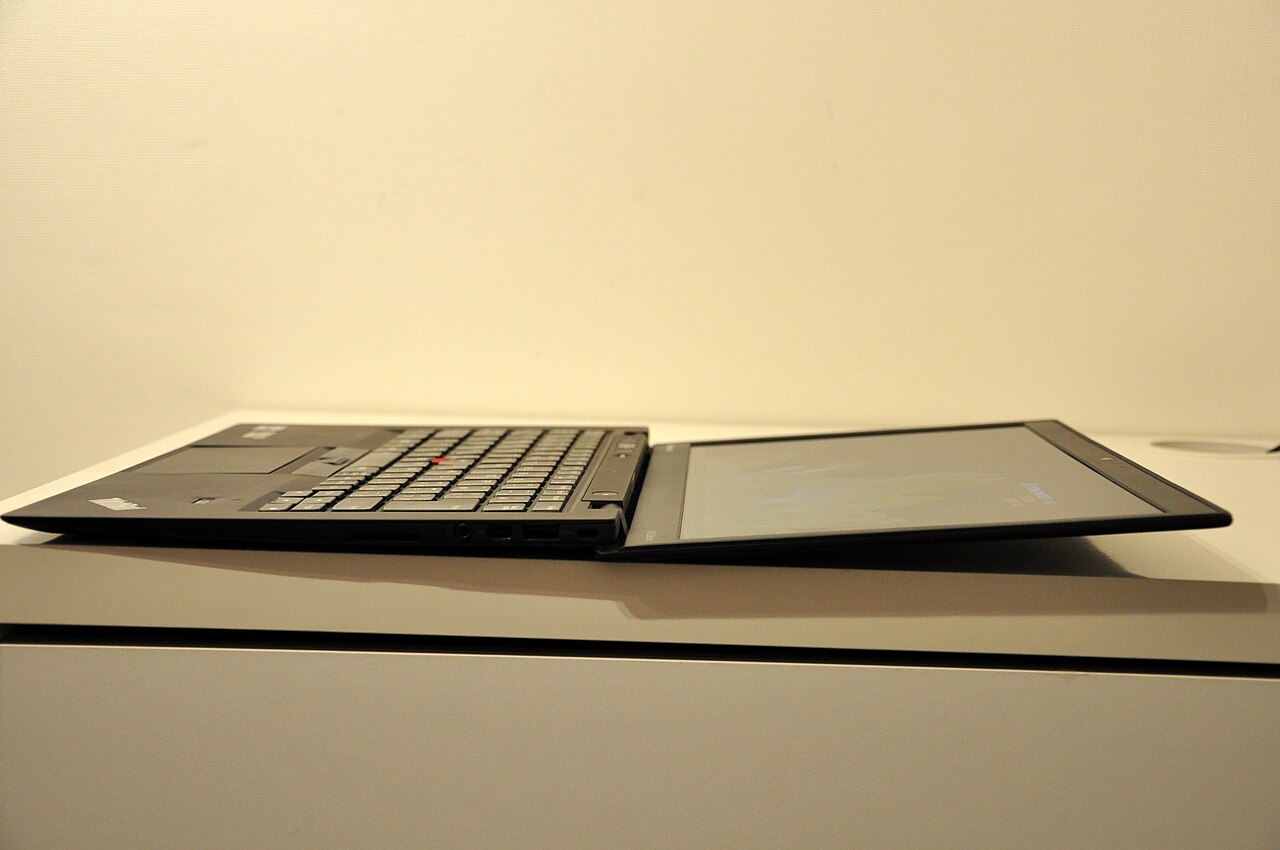
Frequently discounted below $700 with a Ryzen 7 and 16GB of RAM, the IdeaPad Slim 5 is the price-to-performance king of this list. The 16:10 1200p display is adequate rather than exciting, but chart rendering is flawless, boot times are quick off the NVMe drive, and Lenovo’s thermals keep the CPU from throttling during long sessions. If you want the cheapest machine on this page that we would genuinely trade on daily, this is it.
Compromises you accept: a dimmer 300-nit screen that struggles next to a bright window, and plastic construction. Pair it with an external monitor from day one and neither matters.
3. Apple MacBook Neo — Best Mac for Trading Under $1000
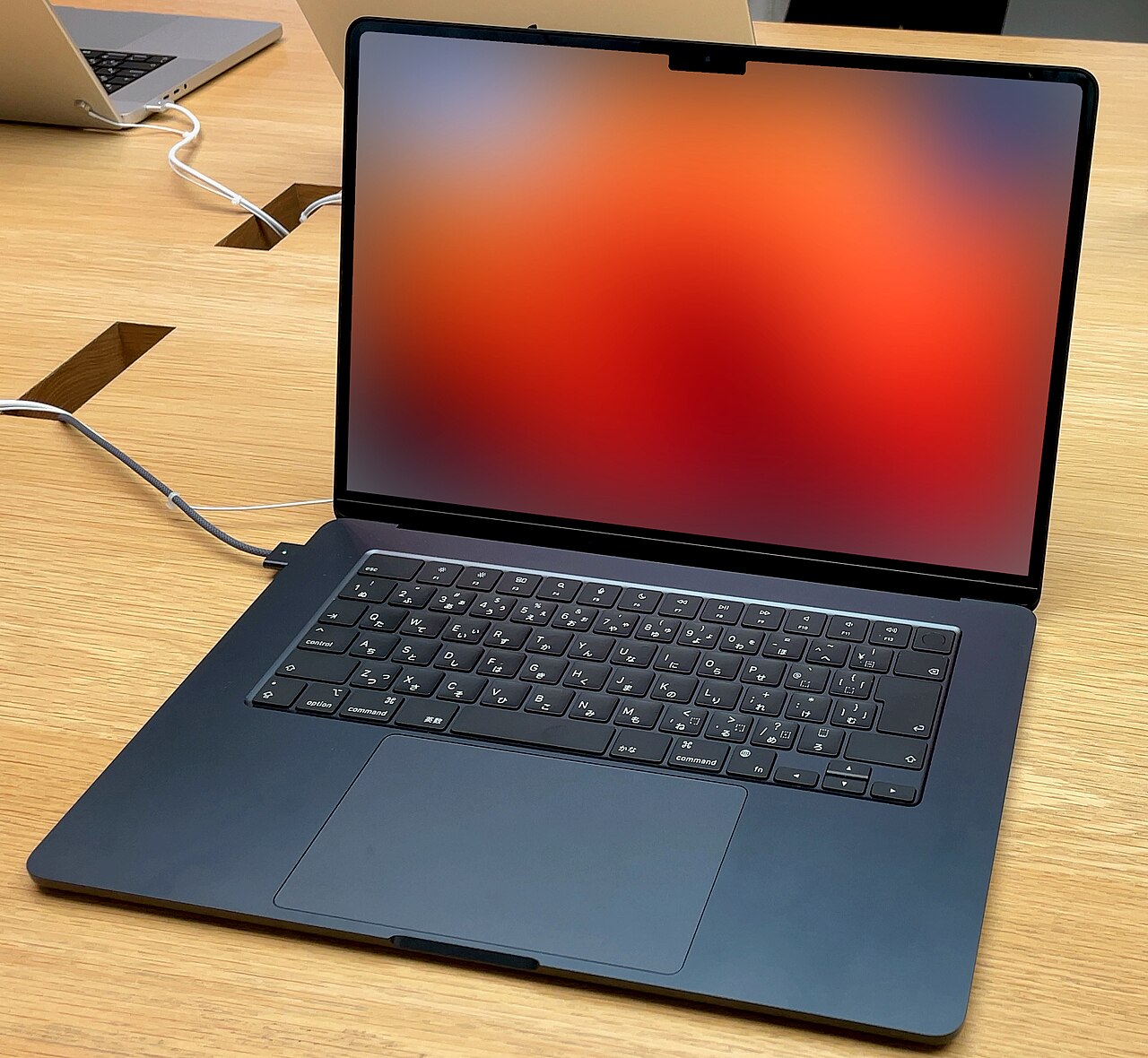
Apple’s $699 entry laptop is a genuine option for traders now. The A18 Pro chip handles browser-based platforms like TradingView with a dozen indicators without engaging its fan — because it doesn’t have one — and the sixteen-hour battery means a full market session plus the evening review uses barely half a charge. ThinkOrSwim runs natively on macOS, and the Neo drives one external display cleanly.
Compromises you accept: a single external monitor limit, 16GB maximum memory, and no MetaTrader 5 without workarounds. Futures and forex traders on Windows-only platforms should choose the IdeaPad or Pavilion instead.
4. Lenovo LOQ 15 — Best Budget GPU Option
The LOQ 15 is a budget gaming laptop that happens to be the cheapest way to get serious multi-monitor capability. The RTX GPU is irrelevant for chart rendering speed, but its extra display outputs let you drive two or three external monitors — something no integrated-graphics laptop at this price manages. With sale pricing regularly dipping to $850–900 with 16GB of RAM, it is the pick for traders building a permanent multi-screen desk on a budget.
Compromises you accept: 5.4 pounds, fan noise under load, and 4–5 hours of battery. This is a desk machine that can travel, not a commuter laptop.
5. Refurbished ThinkPad T14 — Best Renewed Route
A two-year-old business ThinkPad with a warranty is the smartest sub-$600 trading machine available. The T14 Gen 4 with a 13th-gen Core i7 and 16GB of RAM sells renewed around $500–575 from reputable refurbishers, and it was built for a three-year corporate duty cycle — the keyboard, hinges, and cooling will outlast most new consumer laptops at this price. Trading platforms are mature software; they do not need this year’s silicon.
Compromises you accept: a used chassis with possible cosmetic wear and a display that is merely fine. Buy only grade-A units from sellers offering at least a one-year warranty.
6. Microsoft Surface Pro — Best 2-in-1
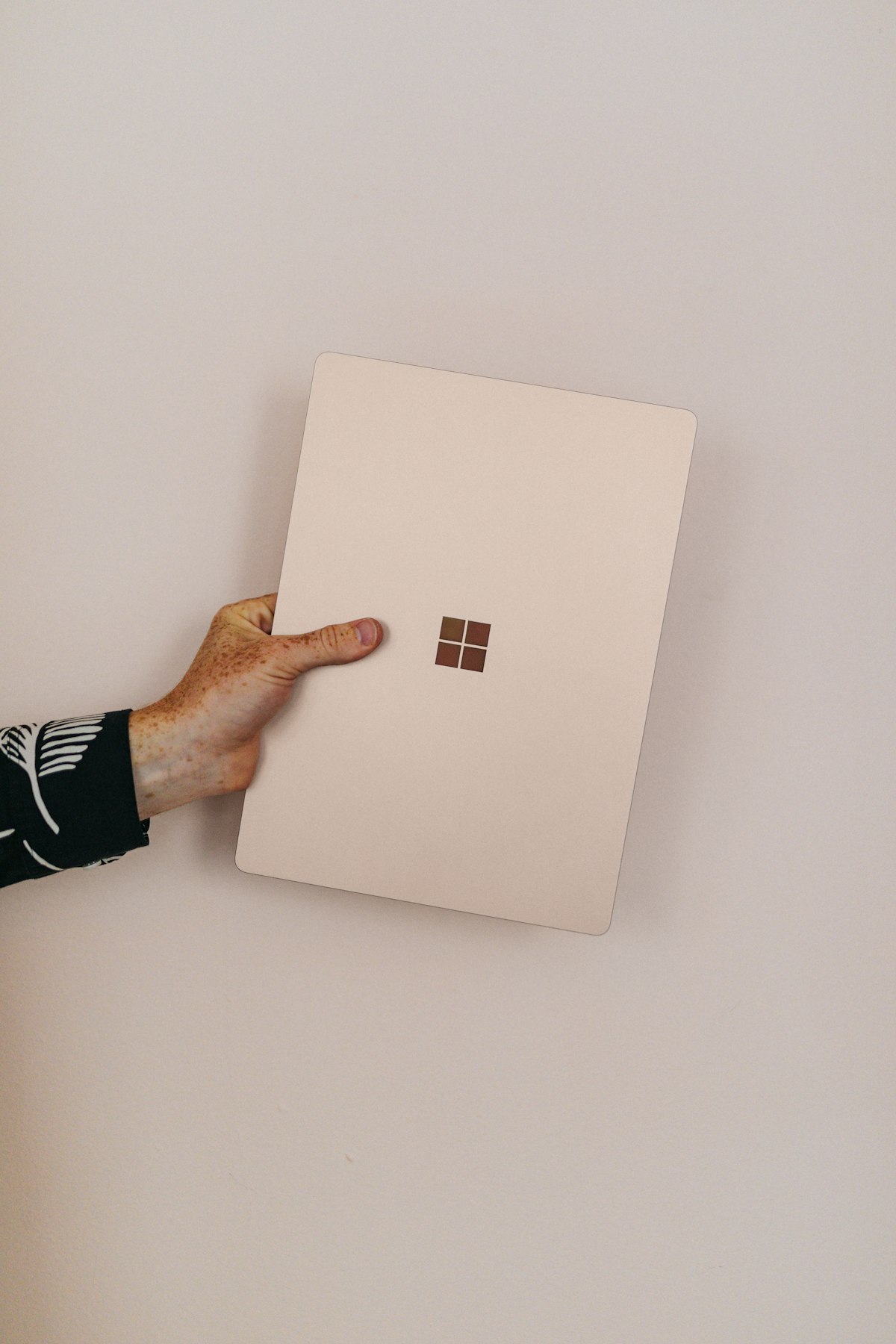
The base Surface Pro around $800 covers a real trading use case: reviewing charts and journaling trades away from the desk, then docking to a monitor and keyboard for the session itself. The detachable form factor makes it the most flexible machine here, and the touchscreen genuinely helps when annotating charts during review.
Compromises you accept: the keyboard costs extra, the kickstand is awkward on an actual lap, and sustained performance trails the clamshells above. Treat it as a hybrid, not a primary workstation.
7. Acer Aspire 16 — Best Big Screen Under $750
Sixteen inches of 1200p display for under $750 is the Aspire 16’s entire pitch, and for traders it is a good one: two readable charts side by side with no external monitor at all. The Core Ultra 5 configuration with 16GB of RAM handles a standard retail platform load without stutter.
Compromises you accept: an uninspiring dim panel, mediocre speakers, and a heavy power brick. As a dorm-room or small-apartment trading setup where an external monitor isn’t practical, it earns its spot.
Spec Priorities for a Trading Laptop Under $1000
When you compare any budget machine not on this list, rank the specs in this order and refuse to compromise on the first three:
- RAM — 16GB, non-negotiable. This is where sub-$700 laptops most often cheat, shipping 8GB with “expandable” fine print. A trading laptop under $1000 with 8GB of RAM will stutter with a platform, a browser, and Discord open. Walk away.
- CPU tier — current-gen mid-tier minimum. Core Ultra 5 / Ryzen 5 7000-series or newer. Avoid anything with a Celeron, Pentium, or U-series chip older than two generations, however attractive the price.
- USB-C with DisplayPort. Check the spec sheet explicitly — some budget USB-C ports carry data only. This single port is what turns a budget laptop into a proper desk setup.
- SSD — 512GB NVMe. 256GB fills up within months once Windows updates and platform caches accumulate.
- Display — 1920×1200 or better. The one spec where a genuine upgrade (the Pavilion’s OLED) meaningfully improves the daily experience.
- Battery and build — nice to have. These are where the budget cuts should land, because a trading session usually happens near an outlet.
The $1,000 Total Setup Math
Here is the honest budget play most guides skip: a $700 laptop plus a $180 27-inch 1440p monitor plus a $60 USB-C dock beats a $1,000 laptop alone for trading, every single time. Screen real estate is the highest-ROI purchase in a trading setup — more visible charts means less tab-switching during fast markets. Take the IdeaPad Slim 5 route, add the peripherals from our external monitors guide and docking stations roundup, and you have a two-screen station with money left over compared to a single premium ultrabook. Add a laptop stand and the built-in display becomes a third screen at eye level.
Common Questions About Budget Trading Laptops — Trading laptop under $1000
Can a $700 laptop really run TradingView smoothly?
Yes. TradingView’s own published requirements are modest, and a current Ryzen 5 or Core Ultra 5 with 16GB of RAM clears them with room to spare. Smoothness problems at this tier almost always trace to 8GB RAM configurations or ancient CPUs, not to the price tag itself.
Should I buy used or new for a trading laptop under $1000?
Both work. New buys you battery health and warranty simplicity; renewed business laptops buy you a higher build tier for the same money. The refurbished ThinkPad route above is the strongest value if you are comfortable with a one-year-warranty renewed unit. Our general under-$1,000 guide covers the broader non-trading options.
Do I need a gaming laptop for trading?
No — trading platforms barely touch the GPU. The only reason a gaming laptop like the LOQ 15 appears here is its port selection for multiple external monitors. If you plan to trade on one screen or two, a regular ultrabook is quieter, lighter, and lasts longer per charge.
What should I upgrade first if I already own a budget laptop?
Add RAM to 16GB if your machine allows it (about $40), then add an external monitor. Those two changes fix ninety percent of “my laptop can’t handle trading” complaints — the CPU is rarely the actual bottleneck on anything made in the last four years. The FINRA investor education resources are also worth a read before investing in more hardware than your trading actually needs.
Bottom Line on the Trading laptop under $1000 Question
The best trading laptop under $1000 for most people is the HP Pavilion Plus 14 — its OLED display is the one premium feature that genuinely improves every trading session. Buy the IdeaPad Slim 5 if you want maximum savings for a monitor-anchored desk, the MacBook Neo if you live in browser-based platforms and value silence and battery, and the LOQ 15 if your endgame is three screens of charts. Whatever you pick, put the leftover budget into screen real estate before anything else — and when your account outgrows the machine, our full best laptop for day trading guide covers the upgrade tiers.
First-Day Setup Checklist for a Budget Trading Laptop
A budget trading laptop under $1000 benefits from setup discipline even more than a premium machine, because there is less spare headroom to waste. Run through this list before your first live session. Set the power plan to best performance while plugged in, and disable USB selective suspend so a dock never drops your monitor mid-session.
Uninstall the manufacturer bloatware and trial antivirus — on 16GB machines this alone frees over a gigabyte of memory. Set Windows Update active hours to cover the full market day so a restart never interrupts an open trade. Cap your platform’s chart history and depth-of-book settings to what you actually read. And test your phone hotspot as a failover connection once, deliberately, before the day you need it in a hurry.
Two upgrades are worth scheduling in the first month if your machine supports them. First, check whether the RAM is socketed — many budget Lenovo and Acer models accept a second 16GB stick for around $40, taking you to 32GB for less than the price difference of a premium configuration. Second, if you bought a 512GB model and run multiple platforms, an external NVMe drive keeps recordings and backtest data off your boot drive. Neither upgrade requires more than a screwdriver and ten minutes, and together they close most of the gap between a budget trading laptop and a $1,800 machine for the workloads that actually matter: charts, scanners, and execution speed.
Quick recap — the final word on trading laptop under $1000: the trading laptop under $1000 conversation comes down to matching one honest compromise to your real routine. If you skimmed, the trading laptop under $1000 shortlist above covers every budget, and the setup sections turn any trading laptop under $1000 pick into a complete desk.
Renewed vs New: Where the Budget Stretches Further
At this price point the renewed market deserves a serious look, because depreciation works in your favor. Corporate fleets retire business laptops on fixed three-year cycles regardless of condition, which floods the renewed market with machines that were engineered to a far higher standard than any new $600 consumer laptop. A renewed ThinkPad T14 or Dell Latitude 5440 gives you a better keyboard, better hinges, easier RAM upgrades, and a more repairable chassis than anything new at the same price — the trade-off is a one-year warranty instead of the standard manufacturer coverage and a battery that has already lived one corporate life.
The rule we use: buy renewed when your budget is under $650, buy new above it. Under $650, new machines force an 8GB RAM compromise that disqualifies them for trading, while the renewed market offers properly specced business hardware. Above $650, new machines like the IdeaPad Slim 5 and Pavilion Plus 14 bring current-generation efficiency, fresh batteries, and full warranties that renewed stock cannot match. Wherever you land, verify three things before checkout: 16GB of RAM confirmed in the actual configuration, a battery health guarantee of at least 80 percent for renewed units, and a return window long enough to test the machine with your real platform load for a full week.
One last piece of honest advice: if your trading account is still small, the cheapest reliable machine on this list is the right call, not the nicest one you can stretch to. A trading laptop under $1000 is a tool with a payback period — the $400 you save choosing the renewed ThinkPad over the Pavilion is four hundred dollars of risk capital, education, or simply patience while you learn. The hardware upgrade can come out of profits; it is a far better feeling to buy the OLED machine with money the markets gave you.
