

Updated July 2026. As an Amazon Associate and affiliate partner, UrbanLaptop may earn a commission from qualifying purchases made through links on this page, at no extra cost to you. See our affiliate disclosure.
Under $1,000 is the range where you can start being picky rather than just settling. You’ll find well-reviewed ultrabooks, Apple’s budget MacBook, and even entry-level dedicated-GPU gaming laptops if you shop open-box or sale pricing.
Best Laptops Under $1000
| Model | Price | Key Specs | Best For |
|---|---|---|---|
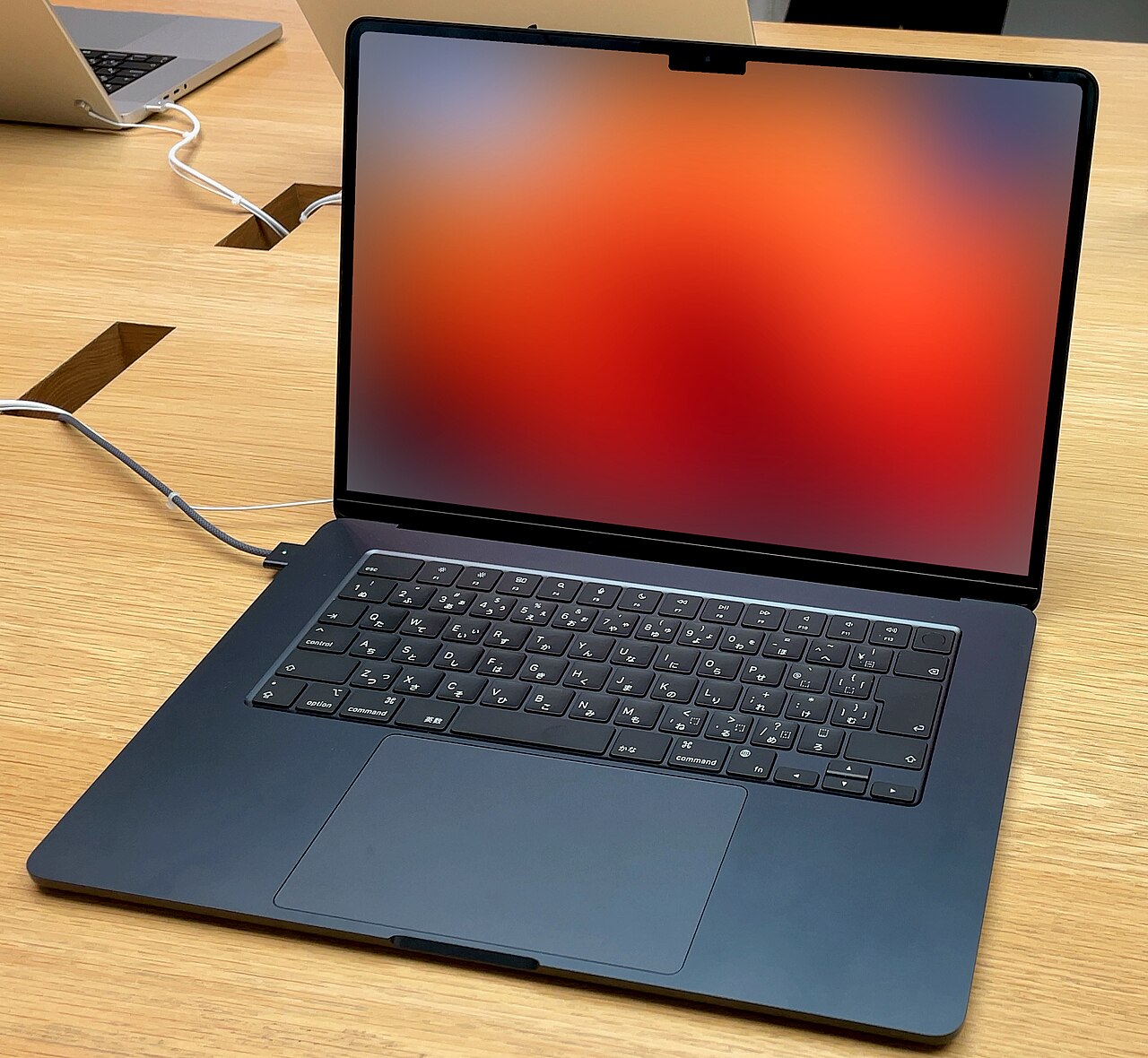
| Apple MacBook Neo | ~$699 | A18 Pro chip, ~16h battery | Best value entry into the Mac ecosystem |
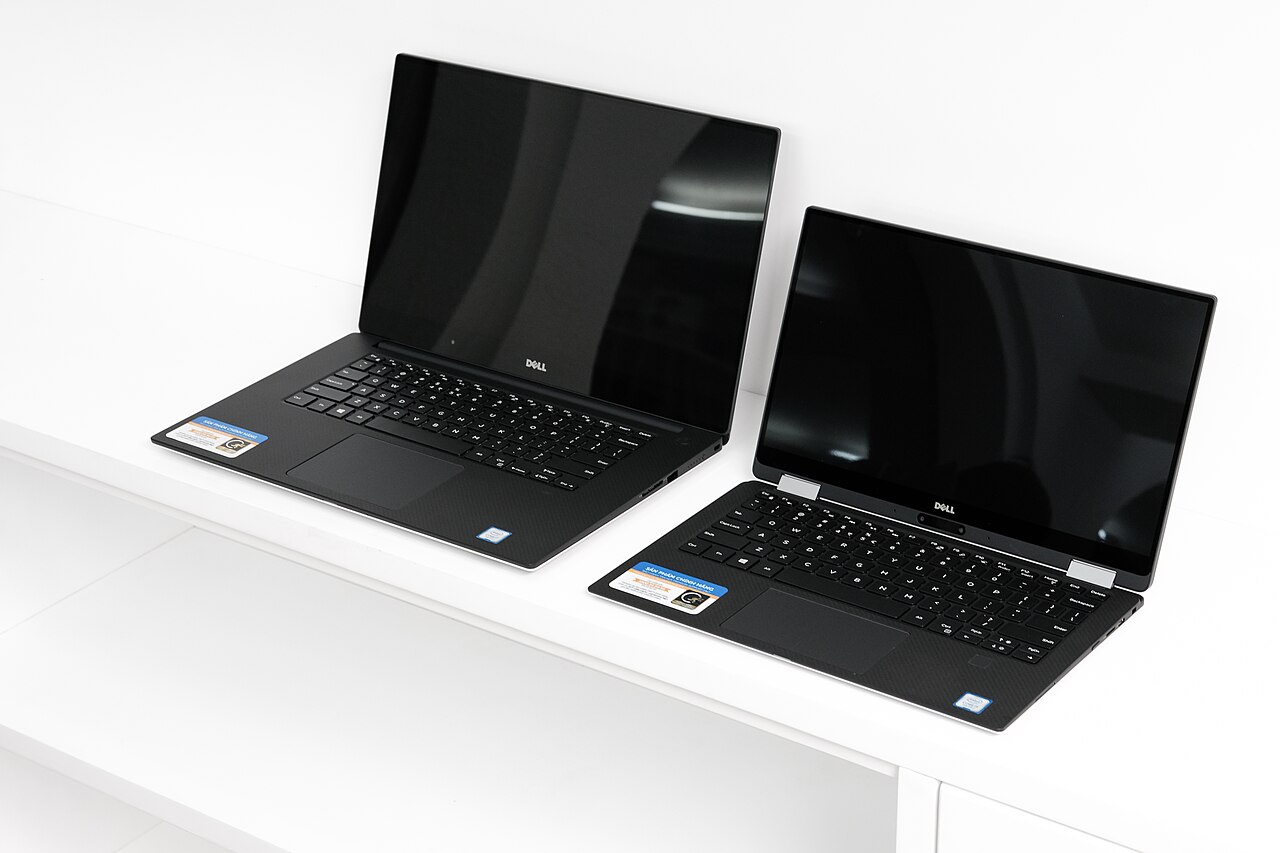
| Dell XPS 13 (2026) | from ~$699 | 2.5K 120Hz display, premium aluminum build | A premium-feeling Windows ultrabook under $1,000 |
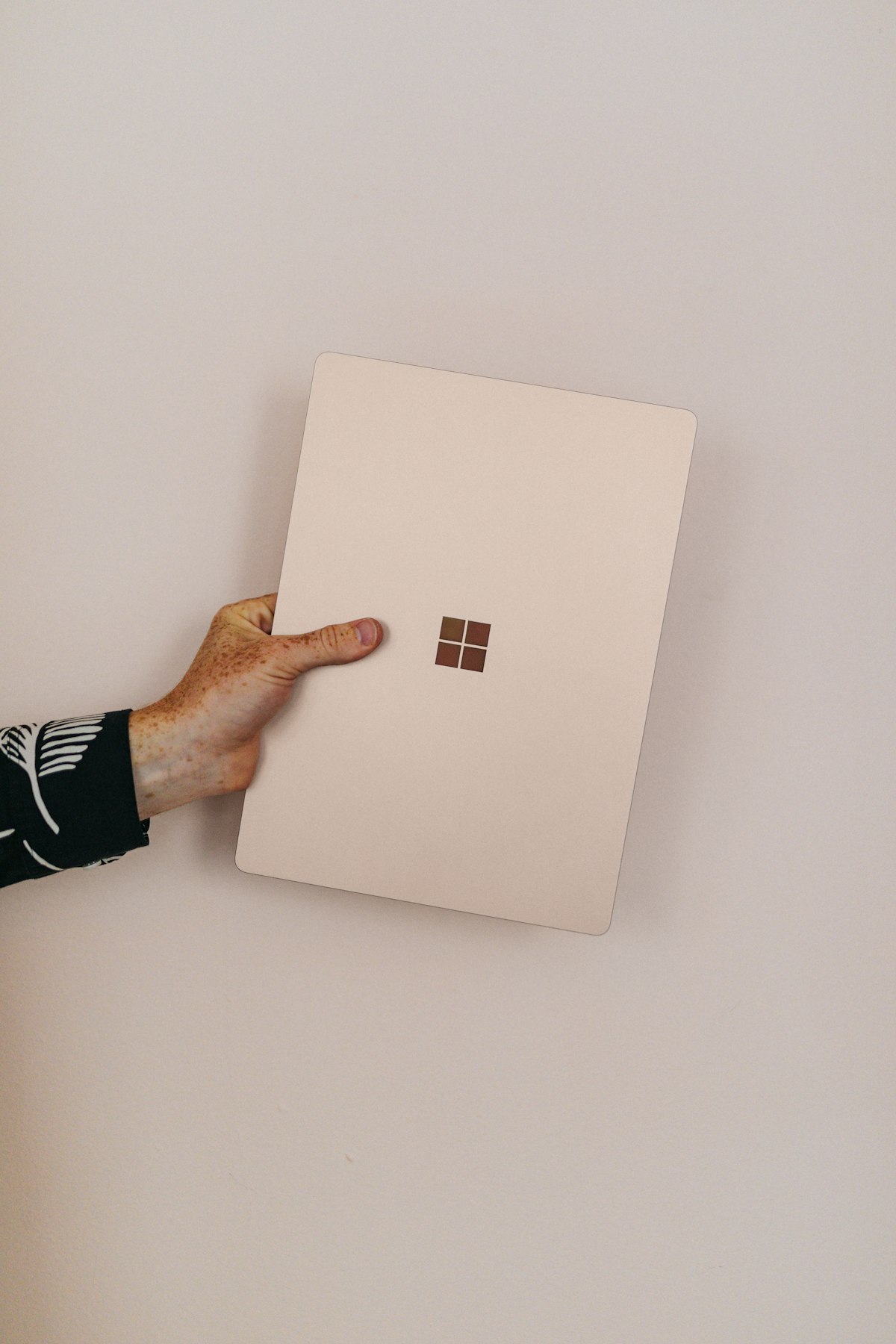
| Microsoft Surface Pro | ~$800 | Detachable 2-in-1, touchscreen | Buyers who want a tablet and laptop in one device |
| Lenovo LOQ 15 (open-box/sale pricing) | from ~$885 | Dedicated RTX 4050 GPU, 16GB RAM | Buyers who want real gaming performance under $1,000 |
Our pick: for most people, the Dell XPS 13 or MacBook Neo offer the best all-around experience under $1,000. If gaming is your priority, watch for open-box or sale pricing on the Lenovo LOQ 15, it’s one of the few ways to get a real dedicated GPU under this threshold.
Frequently Asked Questions — Best laptops under 1000
Can I get a gaming laptop under $1000?
It’s possible on sale or open-box pricing, but new gaming laptops with a real dedicated GPU more typically start around $1,000-1,100. See our cheap gaming laptops guide for more options.
Is it worth waiting to save up for a $1,300 MacBook Air instead?
If you can wait and the extra performance and battery life matter to your workload, yes. For most everyday use, the laptops on this list are more than sufficient.
See our full Best Laptops 2026 hub for more picks.
What the Best Laptops Under 1000 Actually Deliver in 2026

The under-$1,000 bracket is the most competitive segment in the entire laptop market, and it improves every year. In 2026, this budget reliably gets you a current-generation mid-tier CPU (Core Ultra 5, Ryzen 5/7, or Apple’s entry silicon), 16GB of RAM, a 512GB NVMe SSD, and — on the best picks — a display that would have been flagship-grade three years ago, including OLED panels on several Windows machines. What it does not buy new: 32GB of RAM out of the box, top-tier GPUs, premium build and a top-tier screen in the same machine, or three-plus years of guaranteed cutting-edge feel.
The skill in this bracket is choosing which compromise you can live with. Every laptop in our table above gives up something — the MacBook gives up ports and upgradability, the XPS gives up expansion, the Surface Pro gives up lap-typing comfort, the LOQ gives up portability and battery. None of them gives up the fundamentals, which is exactly what qualifies them for this list.
Best Laptops Under 1000: Making the Right Pick for Your Life
Apple MacBook Neo — the default for battery and longevity
At around $699, the entry MacBook is the value anchor of the whole bracket. The A18 Pro-class silicon posts single-core numbers that embarrass Windows machines at twice the price, the all-day-plus battery removes charger anxiety entirely, and macOS machines age more gracefully than any Windows laptop — expect five-plus useful years and the strongest resale value in this roundup. The compromises: the memory and storage you buy on day one are permanent, the port selection is minimal, and if any of your software is Windows-only, it’s disqualified. For students, writers, and anyone whose life happens in a browser and office apps, it is the easiest recommendation on this page.
Dell XPS 13 — the premium Windows experience at a mid-range price
The XPS 13 at ~$699 delivers what used to cost $1,200: a 2.5K 120Hz display, machined aluminum, and a class-leading compact design. It’s the Windows pick for people who care how a machine looks and feels every single day. Trade-offs: like the MacBook, it’s essentially sealed, and the compact chassis means you’ll live on USB-C. Read our full Dell XPS 13 review for the day-to-day details.
Microsoft Surface Pro — one device instead of two
At ~$800 the Surface Pro is the only pick here that replaces both a laptop and a tablet. For note-takers, annotators, artists, and travelers, that consolidation is worth the compromises: the kickstand-plus-keyboard arrangement is mediocre on an actual lap, and the keyboard cover is usually an extra cost — budget for it. As a pure laptop it loses to the XPS; as a laptop-tablet hybrid it has no real competition under $1,000.
Lenovo LOQ 15 — the performance ceiling
The LOQ at ~$885 (open-box and sale pricing) is the only way to get a genuine RTX-class GPU under this budget, and it quietly wins two other categories: it has the best cooling in the roundup and it’s the most upgradeable, with two RAM slots and an accessible SSD. That makes it not just the gaming pick but the pick for anyone whose workload is sustained and heavy — video encoding, data work, or an eight-hour multi-app grind. The price is weight, battery life, and a plastic chassis that won’t win compliments.
The Spec Floor for the Best Laptops Under 1000
Plenty of laptops under $1,000 are bad purchases, and they get bought because the sticker price hides the corners cut. Hold this floor and you’ll avoid all of them: 16GB of RAM — 8GB machines still lurk at $600–$800 and will feel slow within two years;
512GB NVMe SSD — 256GB fills up in months and eMMC storage disqualifies a machine entirely; a current or previous-generation mid-tier CPU — not a three-generation-old chip dressed in a new chassis; a 1920×1080 IPS display at 300+ nits — TN panels and 250-nit screens are where the worst savings hide; and Wi-Fi 6 or newer. At this budget every one of those is achievable simultaneously — any listing that misses one is asking you to fund the retailer’s margin.
Best Laptops Under 1000 by Use Case
For college: the MacBook Neo if your campus tools allow it, otherwise a 14-inch Windows pick with the battery to survive a full day of classes — our college laptop guide goes deeper on durability and weight.
For remote work: the XPS 13 or a business-class refurb; prioritize the webcam, keyboard, and a USB-C port that drives your external monitor. 16GB is non-negotiable with today’s meeting apps.
For gaming: the LOQ 15, full stop — and put $60 of the savings into a second RAM stick. Our gaming laptop roundup covers what frame rates to expect at this tier.
For creative work: the MacBook for photo editing and light video; the LOQ when renders and GPU-accelerated workloads dominate. True color-critical work usually justifies stretching past this bracket for a better panel.
For trading and finance: this budget builds a legitimate two-screen station — we wrote a dedicated best trading laptop under $1,000 guide with seven picks, and the broader day trading laptop guide covers the full setup.
Where the Money Goes: The Three-Way Trade-Off
Every sub-$1,000 laptop budget splits between three buckets — compute (CPU/RAM), display, and build/extras — and manufacturers choose the split for you. The HP and Lenovo value lines pour money into compute and screen while accepting plastic bodies; Dell and Apple fund design and display while sealing the internals; gaming lines fund raw performance while the chassis and battery pay for it.
There is no wrong split, only a wrong match with your priorities. The one universal rule: compute is the hardest thing to fix later. A beautiful chassis around a weak CPU is a beautiful regret; a plain machine with a strong CPU and 16GB can earn a better monitor and keyboard later. When two laptops tie on price, take the better internals.
Renewed and Last-Gen: Stretching the Budget Further
Two shortcuts make $1,000 behave like $1,400. First, last-generation models: when new CPU generations launch each year, outgoing configs drop 20–30% within weeks while delivering 90% of the performance — the XPS and Zenbook lines are reliably discounted this way. Second, the corporate refurb market: off-lease ThinkPads and Latitudes with 16GB sell for $350–$450 from reputable refurbishers, freeing half your budget for a 27-inch monitor, a dock, and a good mouse — a complete desk setup for the price of one mid-range laptop. Check battery cycle counts on arrival, insist on a 90-day-plus warranty, and favor models with socketed RAM.
First-Week Setup Checklist
Whichever pick you make, an hour of setup protects the investment: uninstall the preloaded bloatware and trial antivirus (built-in Windows Security is sufficient); run every pending OS and firmware update in one sitting; enable the battery-charge limiter in the vendor app (Lenovo Vantage, MyASUS, HP Power Manager) if the machine will live plugged in; test every port, the webcam, and the speakers while the return window is open; set up cloud backup before the drive has anything worth losing; and run your real workload hard for the first two weeks — returns exist precisely for the flaws that only daily use reveals.
More Questions About Sub-$1,000 Laptops
Are the best laptops under 1000 enough for most people?
Yes — comfortably. The gap between $700 and $1,400 machines today is mostly build materials, screen ceiling, and GPU, not everyday speed. A well-chosen $700 laptop with 16GB handles browsing, office work, streaming, and light creative work without breaking a sweat.
Should I buy a cheaper laptop now or save for a better one?
If your budget is within $150 of a meaningfully better tier — 8GB to 16GB, or 256GB to 512GB — wait and stretch. If the difference is cosmetic (a nicer chassis, a slightly brighter screen), buy now. Internals age; aluminum doesn’t get slower.
How long will the best laptops under 1000 last?
Four to five years for the picks on this page, assuming 16GB of RAM. The battery typically ages first and is often replaceable for under $100. The upgradeable picks (LOQ, refurb ThinkPads) can stretch toward six years with a RAM and SSD refresh.
Are refurbished laptops under $1,000 safe to buy?
From manufacturer outlets and established refurbishers with real warranties, yes — failure rates are comparable to new units. From anonymous marketplace sellers with stock photos and seven-day windows, no. The seller matters more than the sticker.
Best Laptops Under 1000: The Total-Setup Math
Most buyers frame $1,000 as the laptop budget, but the smarter frame is the total desk budget — because a $750 laptop plus $250 of peripherals beats a $1,000 laptop alone for almost every kind of work. A 27-inch 1440p monitor ($170–$200) doubles your working screen area and is the single largest productivity upgrade money buys at this level.
A USB-C hub ($40–$60) turns one port into power, display, and USB-A. A decent mechanical or low-profile keyboard and a proper mouse ($80–$120 combined) outlast the laptop itself and travel to the next one. Run the numbers on our picks: a $699 MacBook Neo or XPS 13 leaves exactly this much room, which is why both sit at the top of the table. The only buyers who should spend the full $1,000 on the machine itself are gamers (the GPU can’t be added later) and people who genuinely work away from a desk most of the time.
Best Laptops Under 1000: Five Mistakes That Cost Real Money
Paying for a CPU the RAM can’t feed. A Core Ultra 7 with 8GB is slower in real life than a Core Ultra 5 with 16GB. Fund memory first, always.
Confusing model families with actual models. Retailers love selling last year’s internals in this year’s chassis at this year’s price. Check the exact CPU model number and panel spec, not the product name.
Buying 4K at this budget. A 4K panel on a $900 laptop means the money came out of the CPU, the battery, or both — and integrated graphics push those pixels for no visible benefit at 13–15 inches. 1200p–1600p is the sweet spot.
Ignoring the power adapter and charging speed. Some budget machines still ship with proprietary barrel chargers and slow charging. USB-C charging means one charger for your phone, laptop, and future devices — and cheap replacements.
Treating the sale price as the deadline. The same laptop cycles through nearly identical discounts every few weeks. If the spec is wrong for you, the discount doesn’t fix it; if it’s right, another sale is never far away.
When to Buy the Best Laptops Under 1000: The Calendar
This bracket sees the deepest discount swings of any laptop segment because it’s where manufacturers compete on volume. The reliable windows: back-to-school (July–September) is the single best season for mainstream picks; Black Friday through Cyber Week produces the year’s lowest prices on last-gen configs; and January–February clearances follow CES launches, when outgoing XPS, Zenbook, and Pavilion models drop hard. Lenovo and HP’s own outlet pages run continuous rotating sales that regularly undercut Amazon. Set a price alert on your exact configuration rather than checking manually, and remember that “list price” in this segment is almost pure fiction — a $999 machine that has never actually sold above $749 is a $749 machine.
Is Chromebook a smarter buy at this price?
Only if you’ve confirmed your entire workflow lives in a browser. Premium Chromebooks at $500–$700 offer great screens and batteries, but at that money a full Windows or macOS machine runs everything a Chromebook runs plus everything it can’t. See our Chromebook guide if the browser-only life fits you.
What’s the biggest difference between a $1,000 laptop and a $2,000 one?
Ceiling, not floor. The $2,000 machine adds premium materials, best-in-class displays, 32GB+ memory, and dedicated GPUs — things that matter enormously to specific users and not at all to most. Day-to-day responsiveness for ordinary work is nearly identical when both have 16GB and current CPUs, which is exactly why this price bracket is where value peaks.
Quick recap — the final word on best laptops under 1000: the best laptops under 1000 conversation comes down to matching one honest compromise to your real routine. If you skimmed, the best laptops under 1000 shortlist above covers every budget, and the setup sections turn any best laptops under 1000 pick into a complete desk.
Bottom Line on the Best laptops under 1000 Question
The best laptops under $1000 in 2026 are defined less by what they include than by which compromise they choose — and every machine in our table chooses well. The MacBook Neo is the default for battery, longevity, and resale; the Dell XPS 13 is the premium Windows experience at a mid-range price; the Surface Pro consolidates two devices into one; and the Lenovo LOQ 15 is the raw-performance and upgradability ceiling.
Hold the spec floor — 16GB, 512GB NVMe, a current mid-tier CPU, a 300-nit 1080p-or-better panel — and you cannot buy badly from this list. Then spend whatever’s left of the thousand on the monitor, hub, and mouse that turn a good laptop into a great workstation. If a specific use case drives your purchase, our complete laptop buying guide walks the full decision from the top, and the use-case sections above link to every deep-dive we’ve written for this bracket.
Do I need a dedicated GPU under $1,000?
Only for gaming and GPU-accelerated creative work. For everything else — office work, browsing, streaming, coding, even light photo editing — modern integrated graphics are more than sufficient, and the money is better spent on RAM, the SSD, or the display. The LOQ 15 exists on this list precisely for the minority who genuinely need the GPU; everyone else should ignore it guilt-free.
